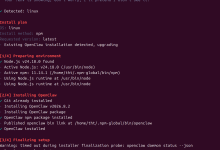
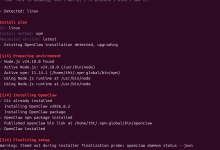
在 openclaw 升级 3.7 版本后飞书出现异常
终端报错
[plugins] failed to load plugin: Error: Cannot find module '@larksuiteoapi/node-sdk'
Require stack:
– C:\\Users\\32744\\AppData\\Roaming\\npm\\node_modules\\openclaw\\extensions\\feishu\\src\\client.ts (plugin=feishu, source=C:\\Users\\32744\\AppData\\Roaming\\npm\\node_modules\\openclaw\\extensions\\feishu\\index.ts)
web channels 报错如下
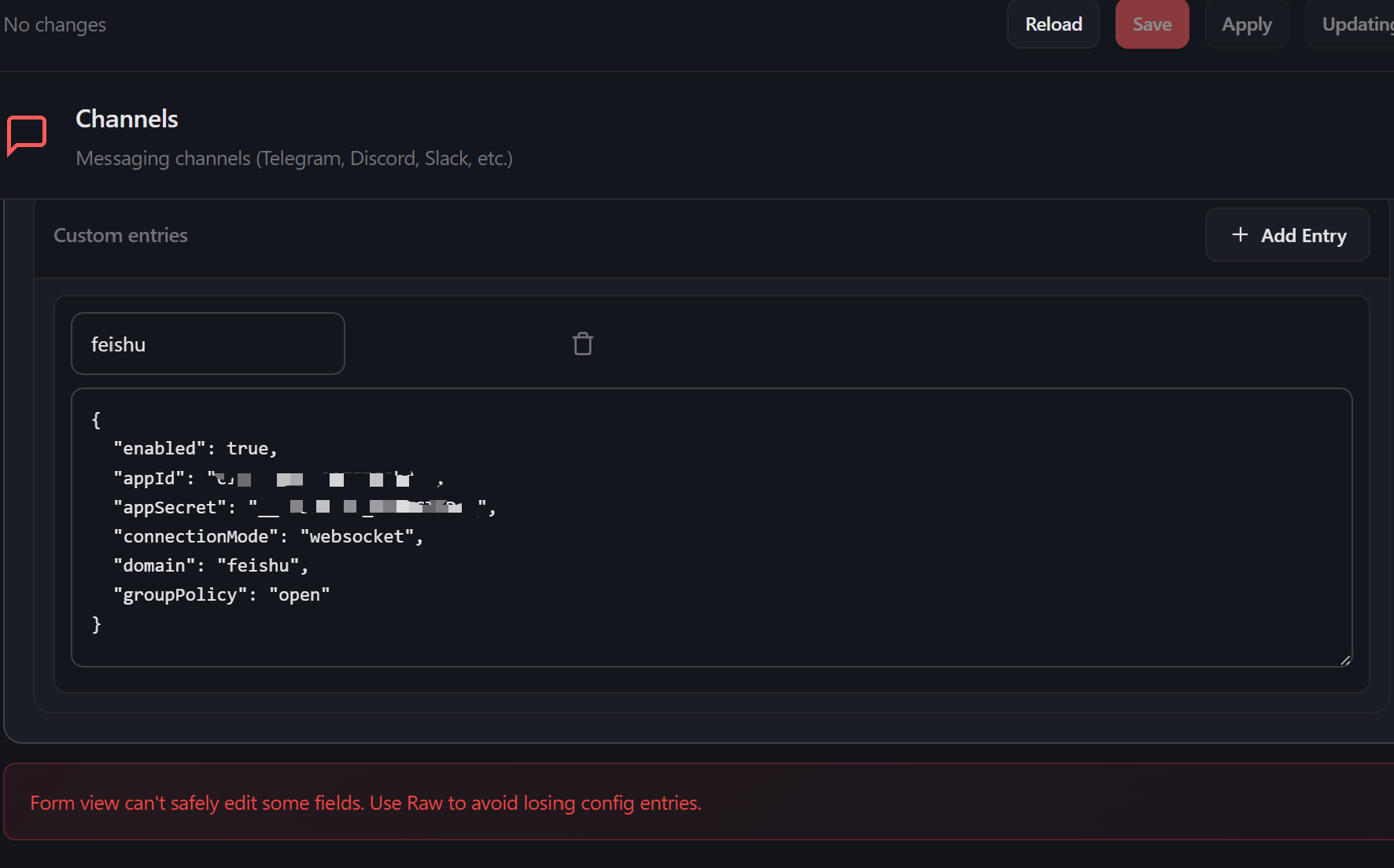
解决这个问题很简单我们只需要一次执行下面的代码,重新配置即可
openclaw config set channels.feishu.appId "cli_xxxx"
openclaw config set channels.feishu.appSecret "your_app_secret"
openclaw config set channels.feishu.enabled true
cli_xxxx 和 your_app_secret 替换为你的飞书后台所生成的内容。
如何和查看飞书 appid 及 appsecret
首先打开飞书开放平台open.feishu.cn

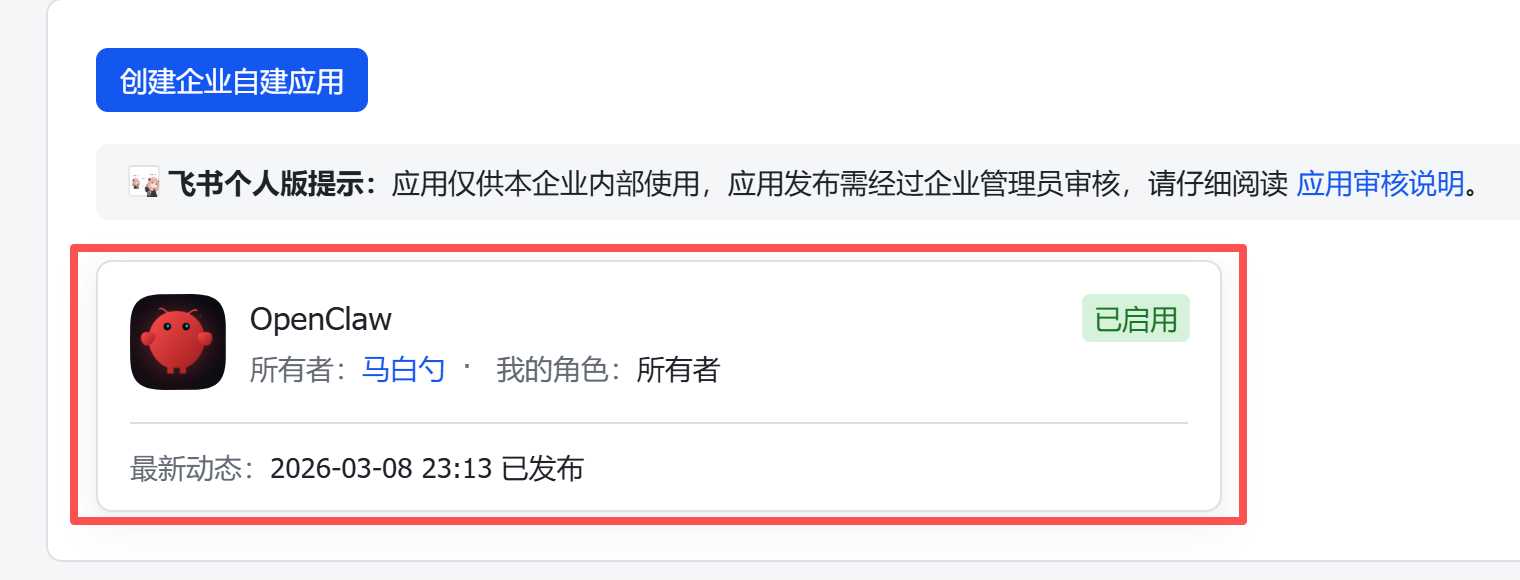
找到创建的应用
在左侧凭证与基础信息中可以看到
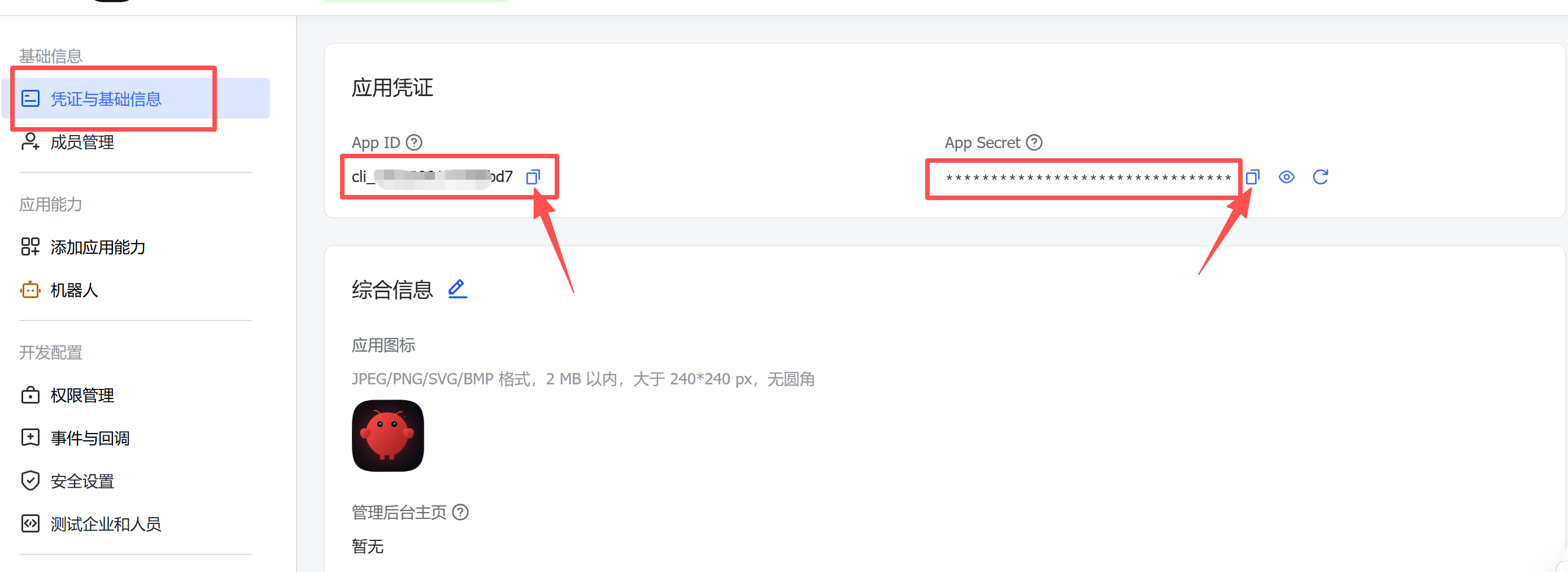
openclaw config set channels.feishu.appId "cli_xxxx"
openclaw config set channels.feishu.appSecret "your_app_secret"
openclaw config set channels.feishu.enabled true
依次修改(第三行代码不用做修改)我们打开 power shall 工具执行即可
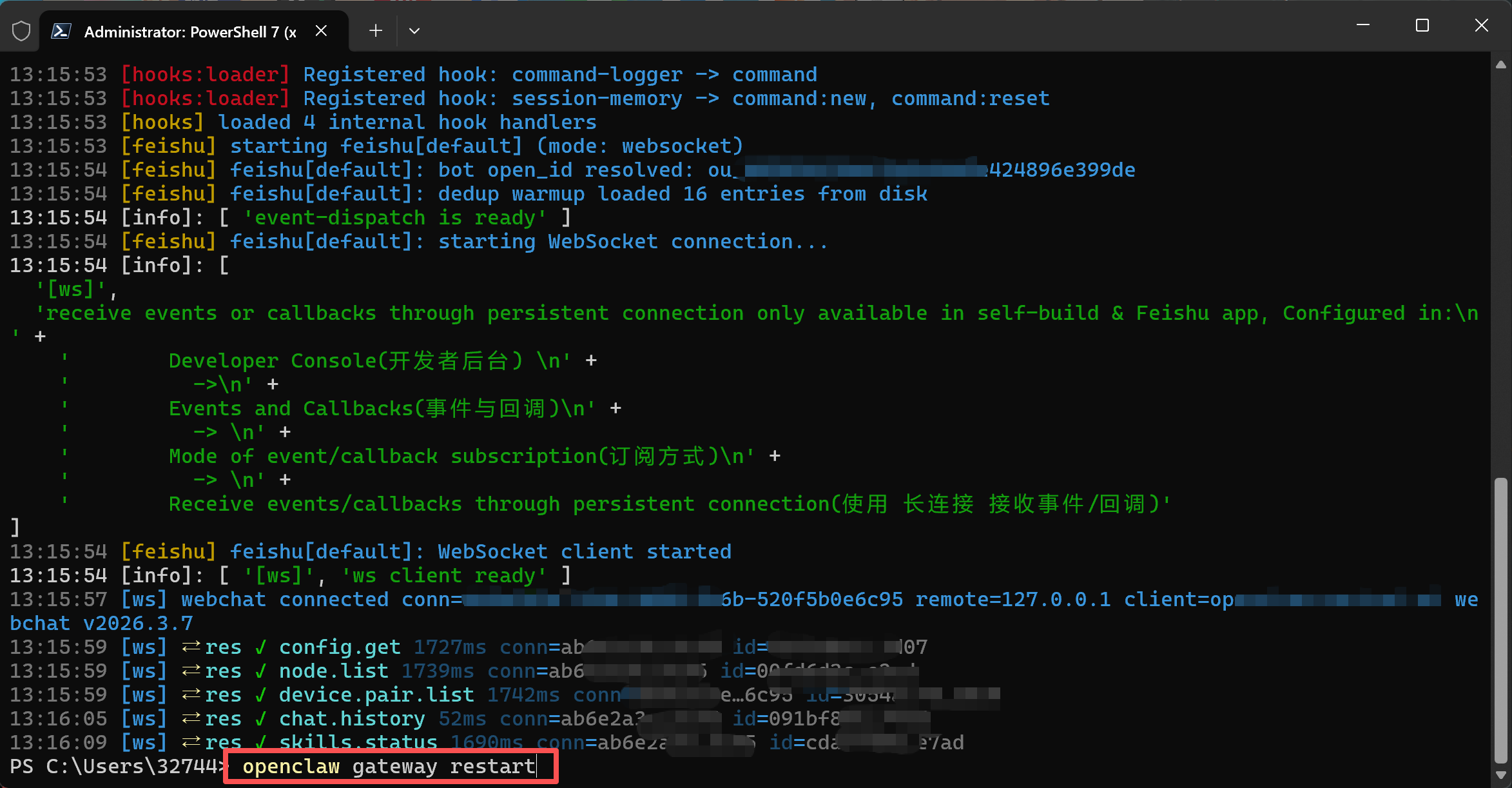
执行完毕我们输入 openclaw gateway restart 重启 openclaw 恢复正常
在对 openclaw 提问后飞书回复很慢
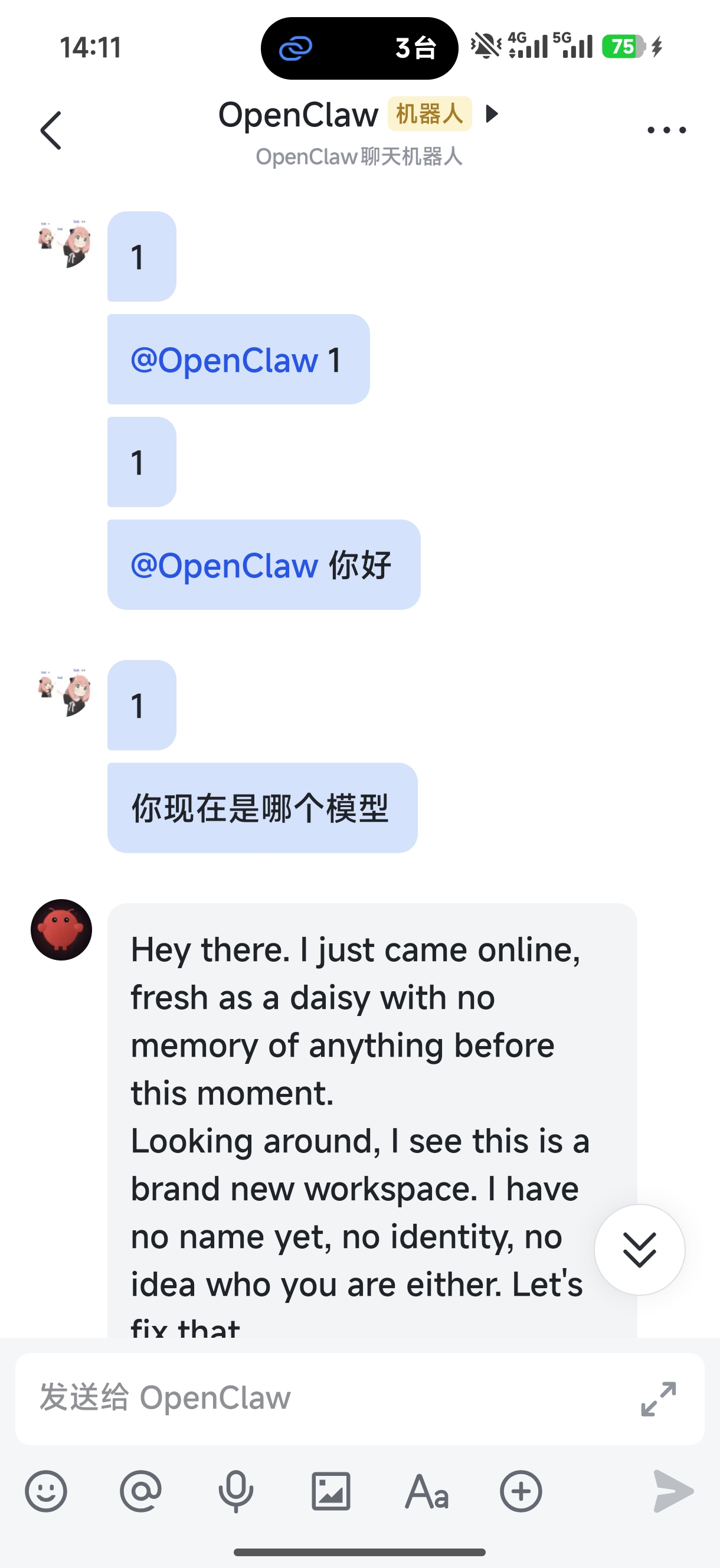
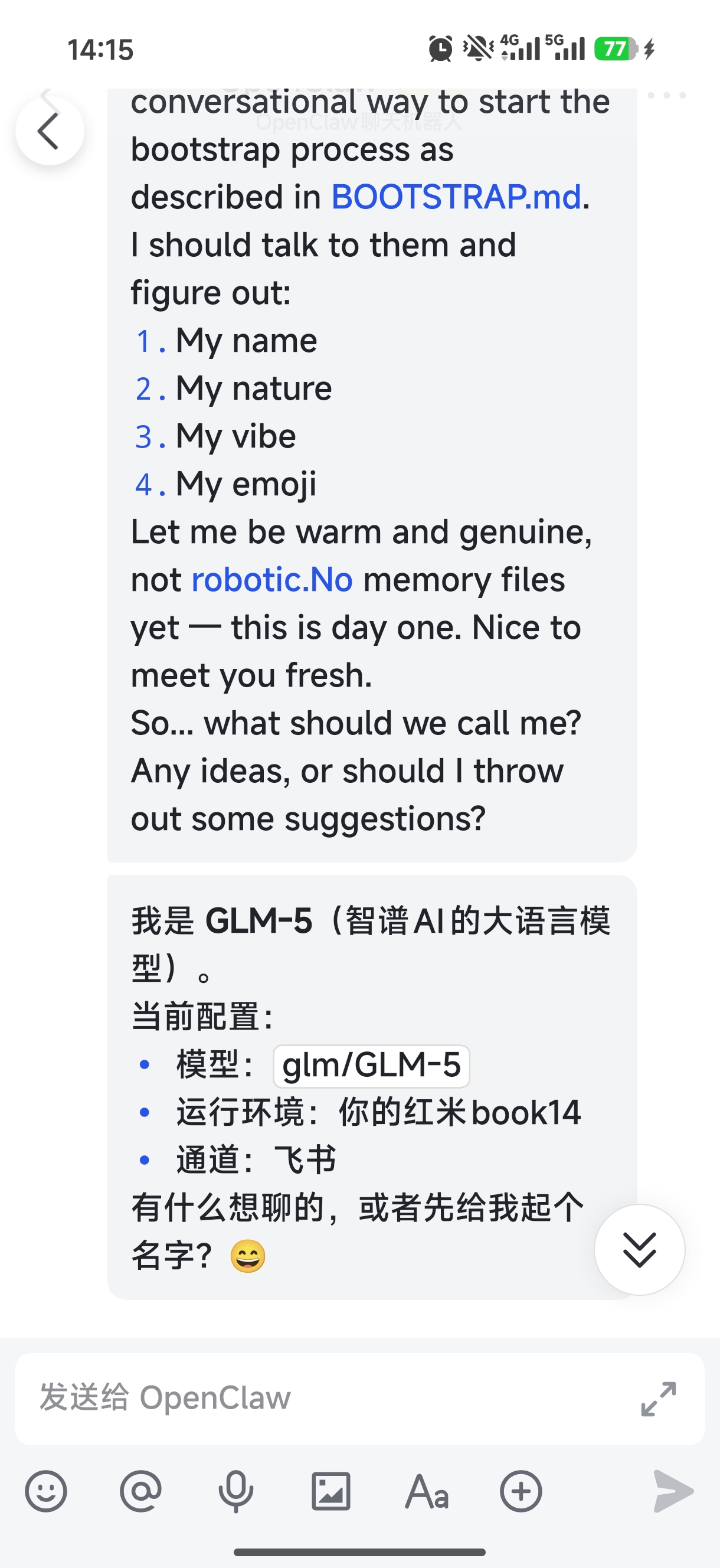
重新配置完飞书后有发现消息回调很慢。
打开飞书开放平台open.feishu.cn,在时件与回调里修改事件配置,
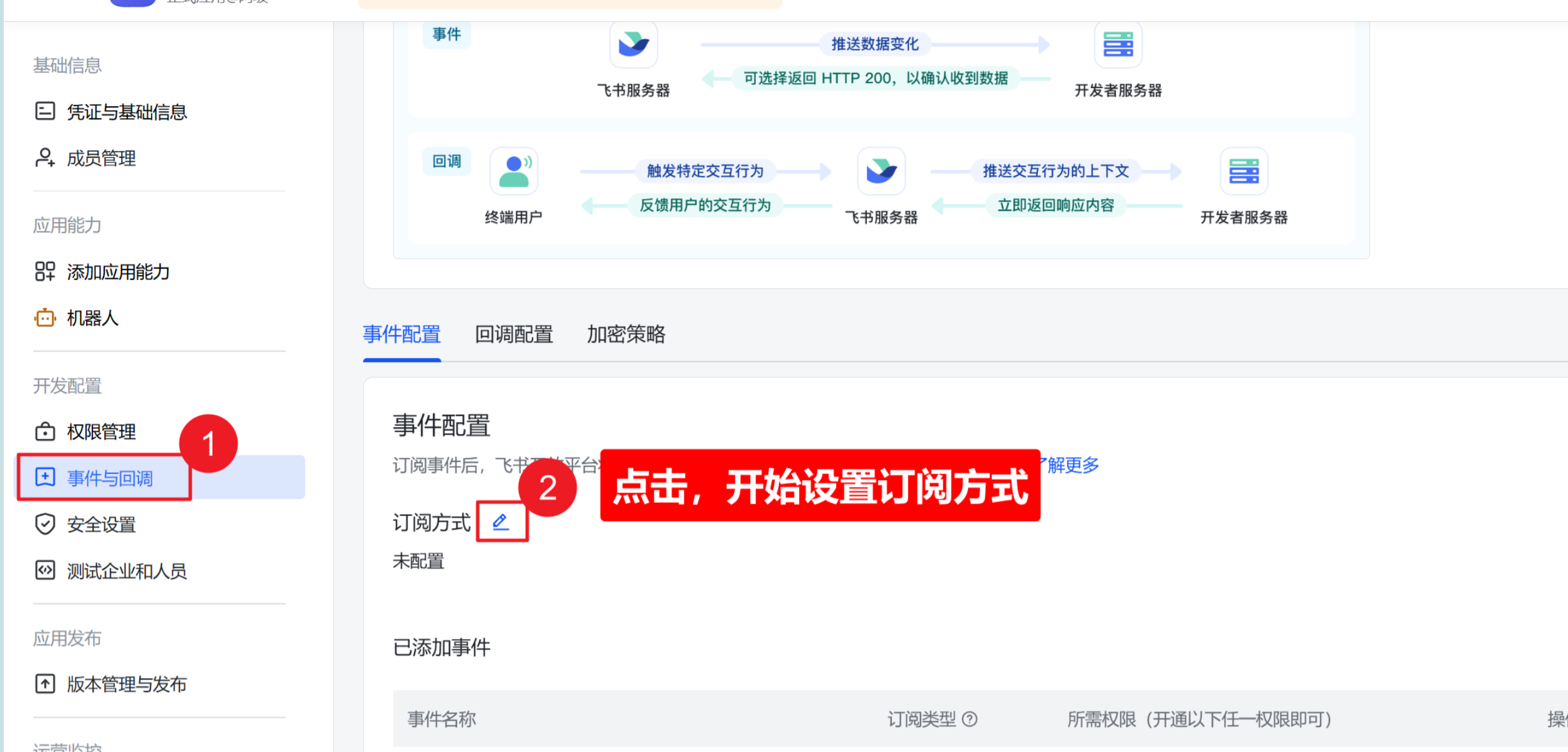
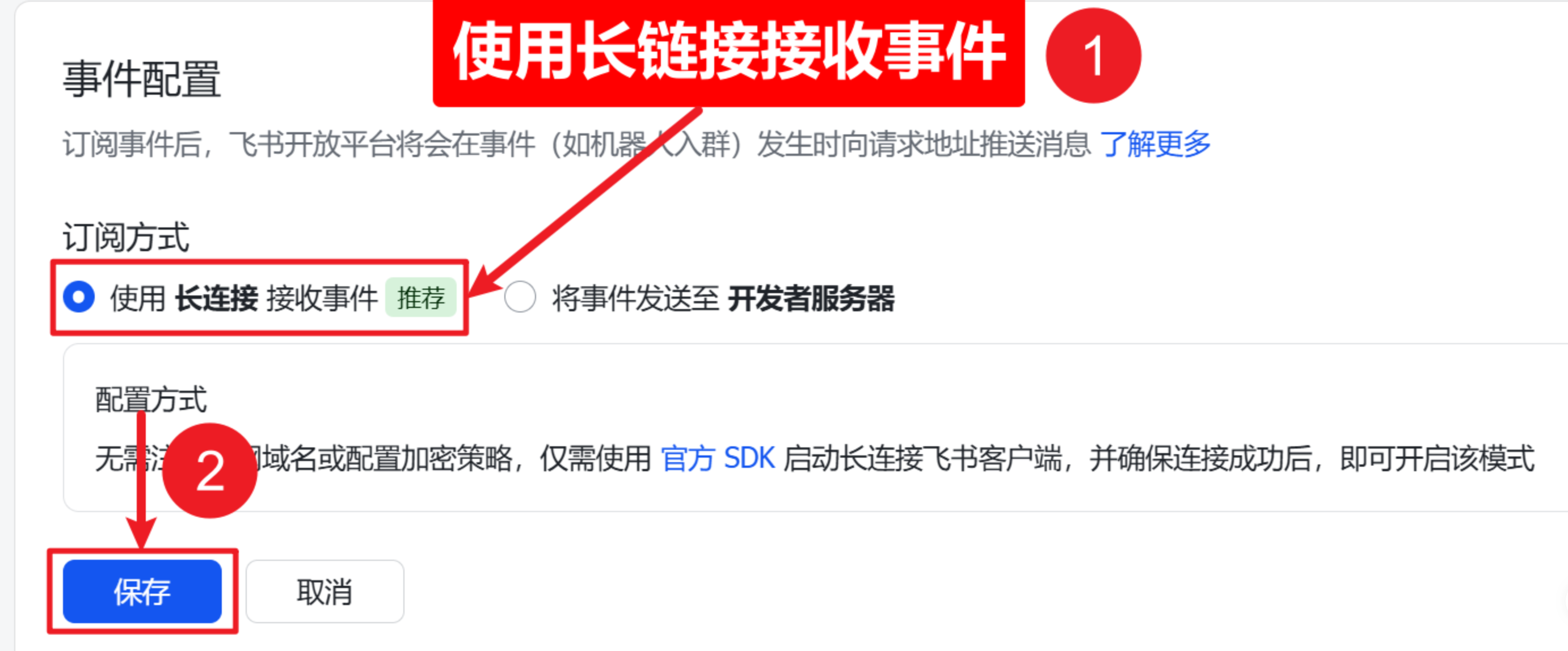
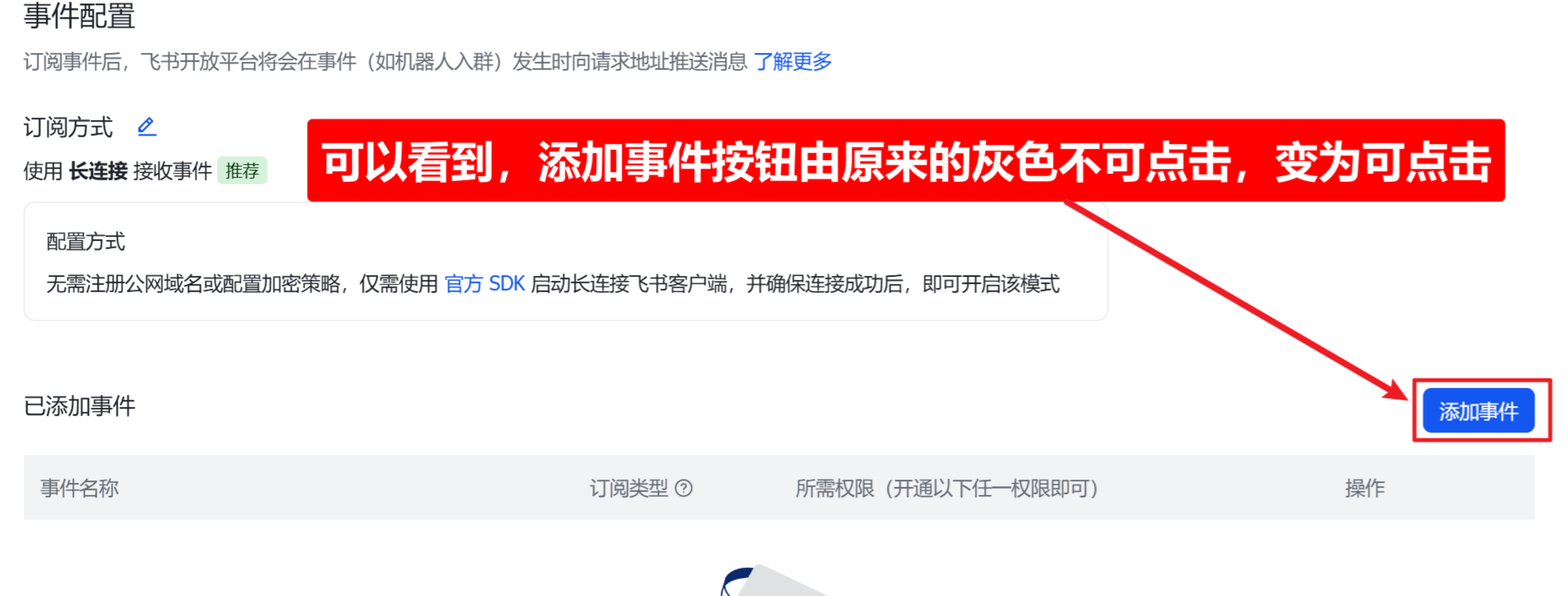
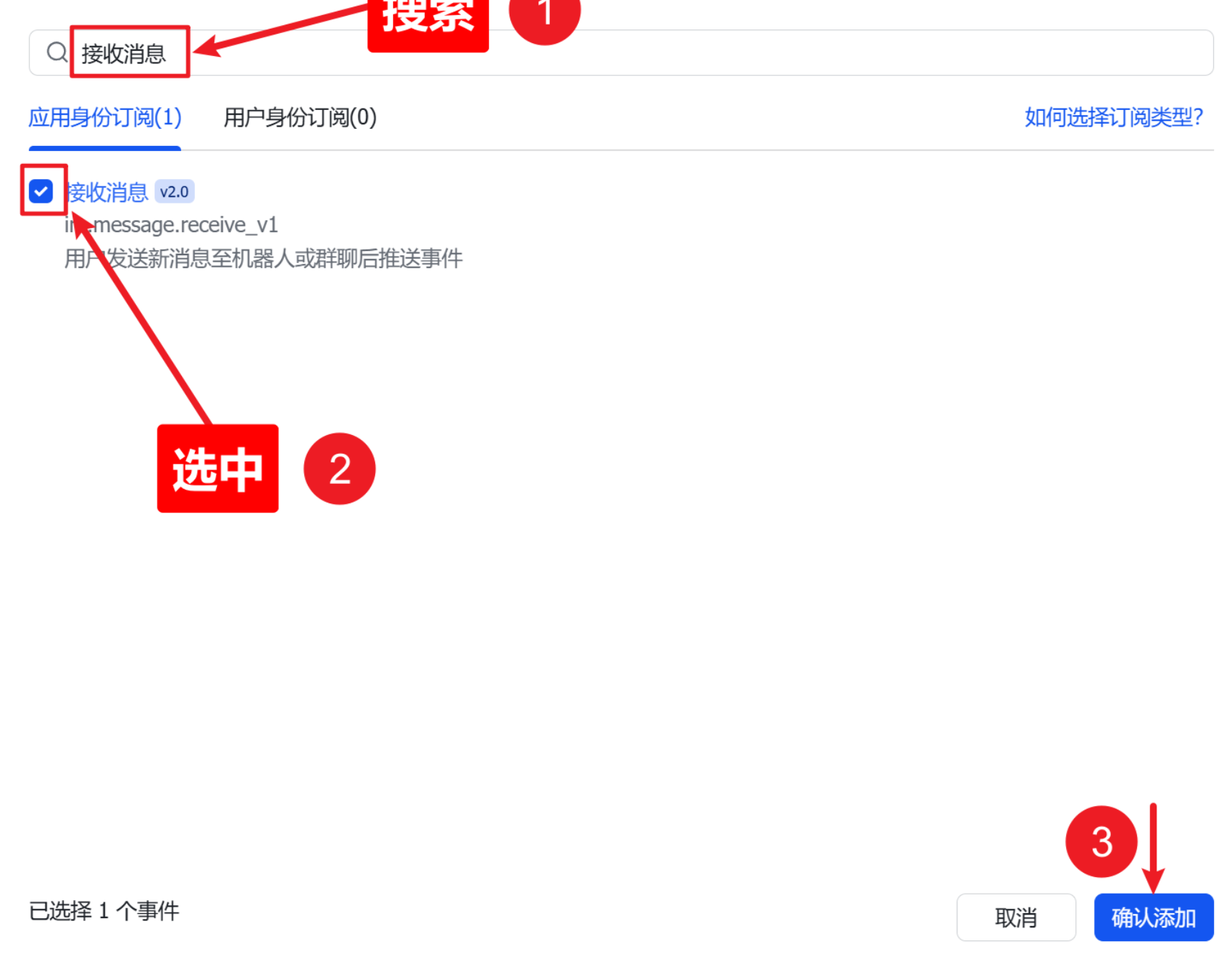
如果添加事件里为空的需要添加,已添加此步骤可忽略。
然后打开回调配置
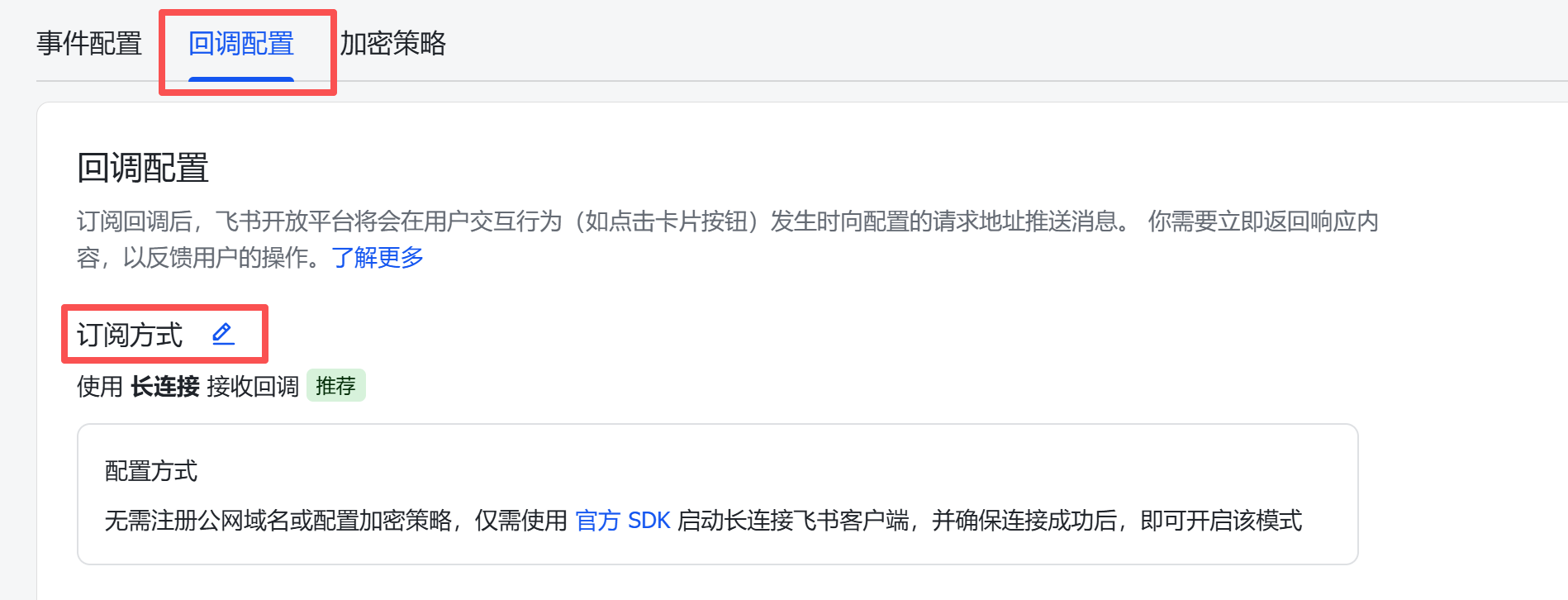
订阅方式改为长连接,保存。

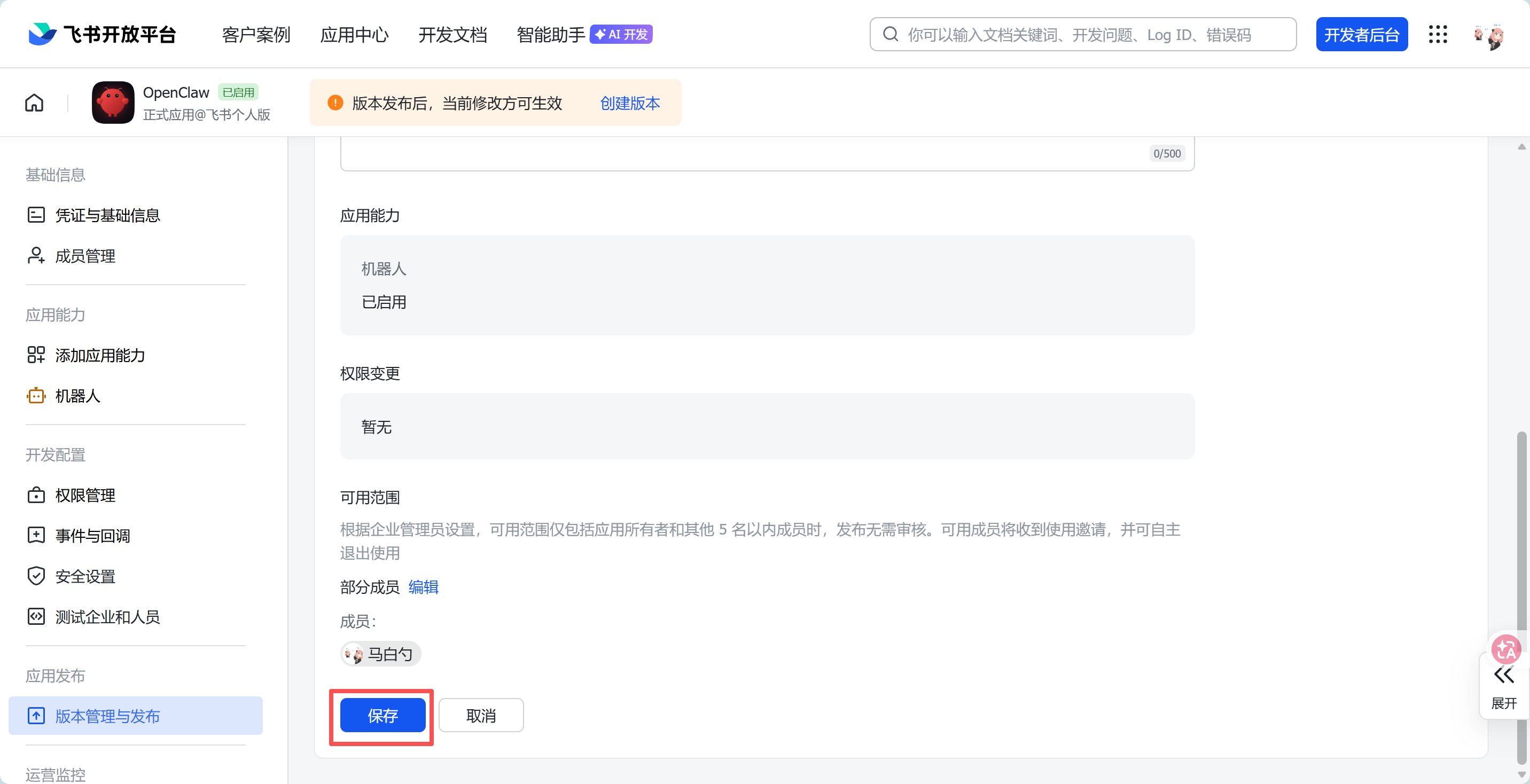
创建版本,自行填写信息
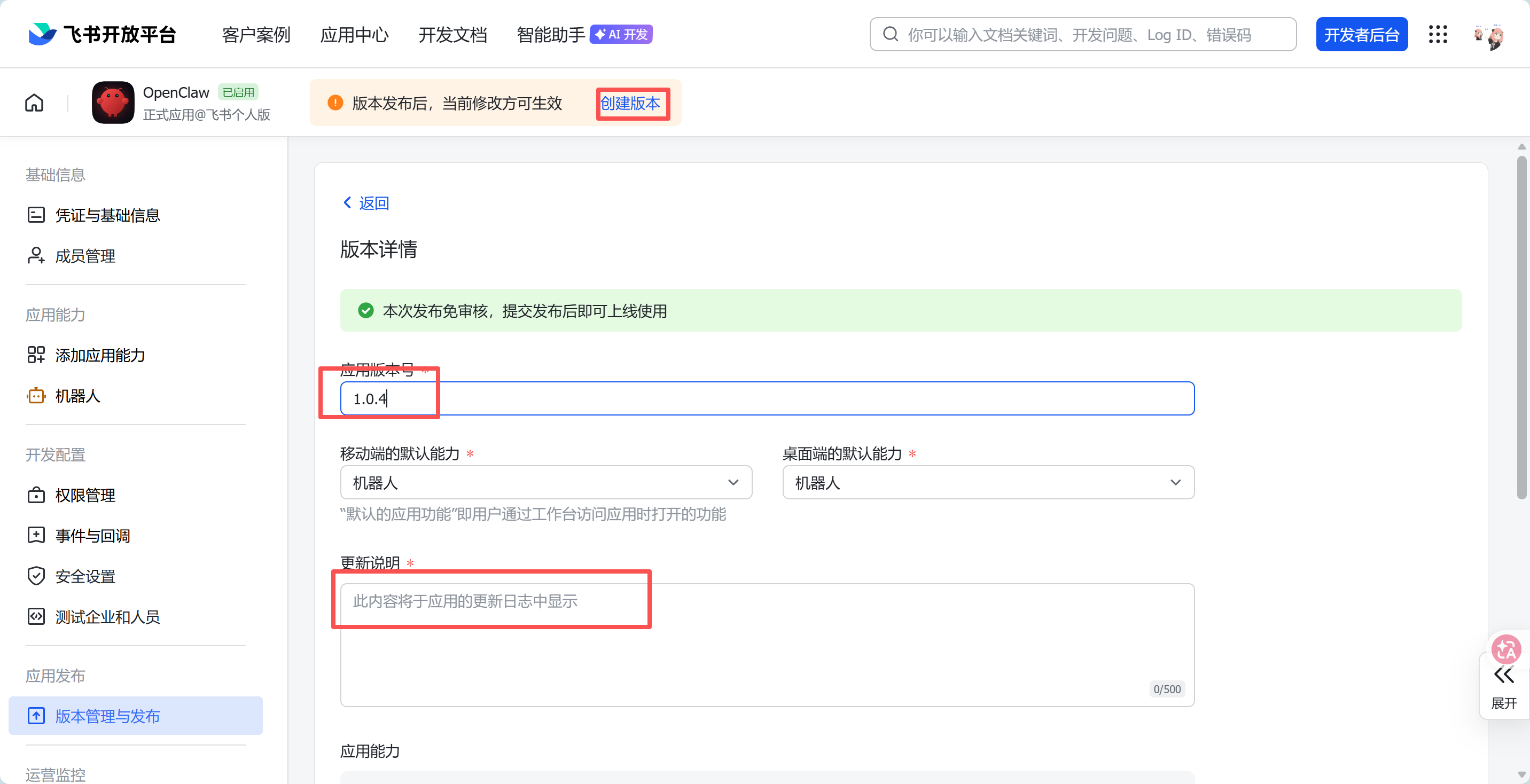
保存即可