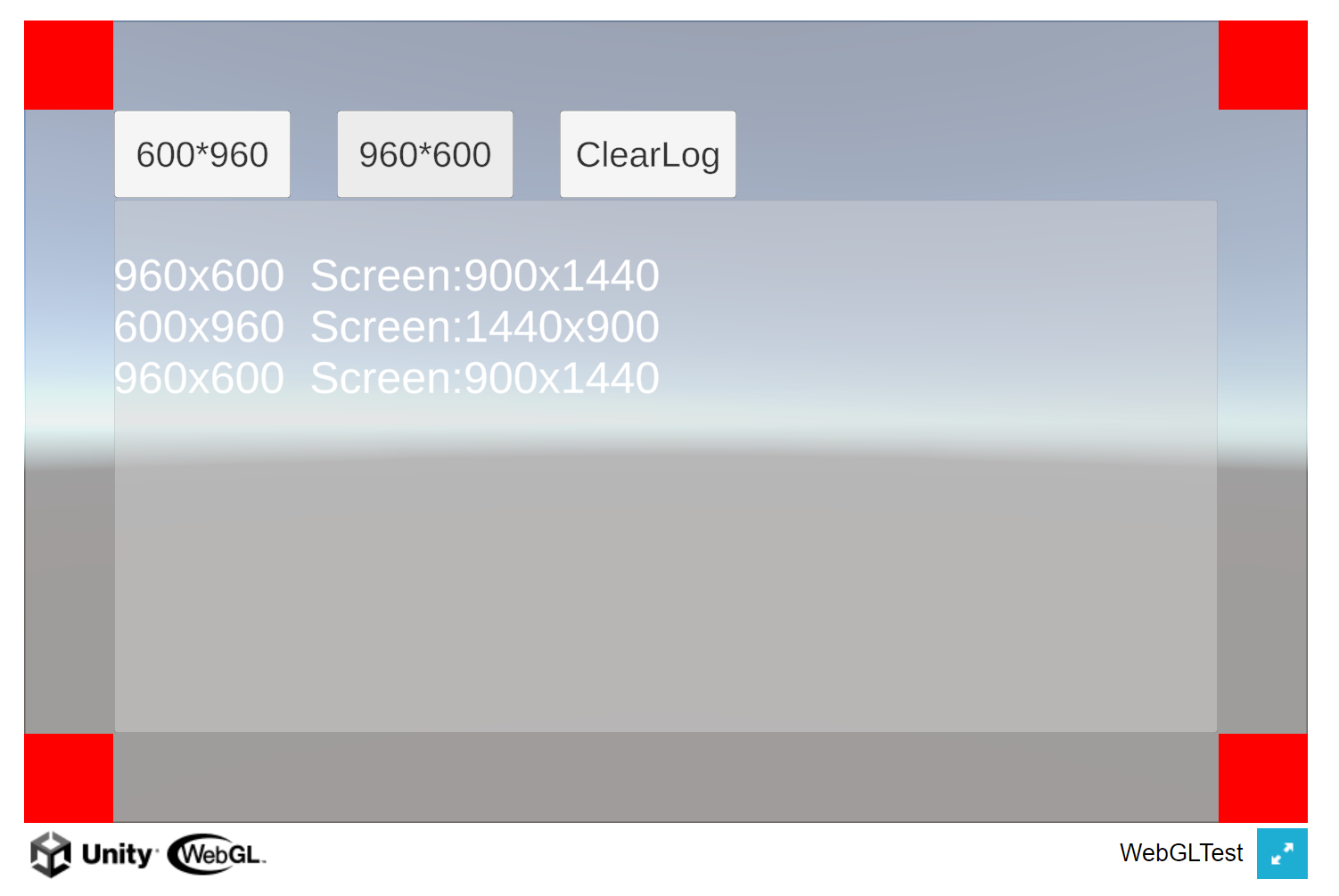
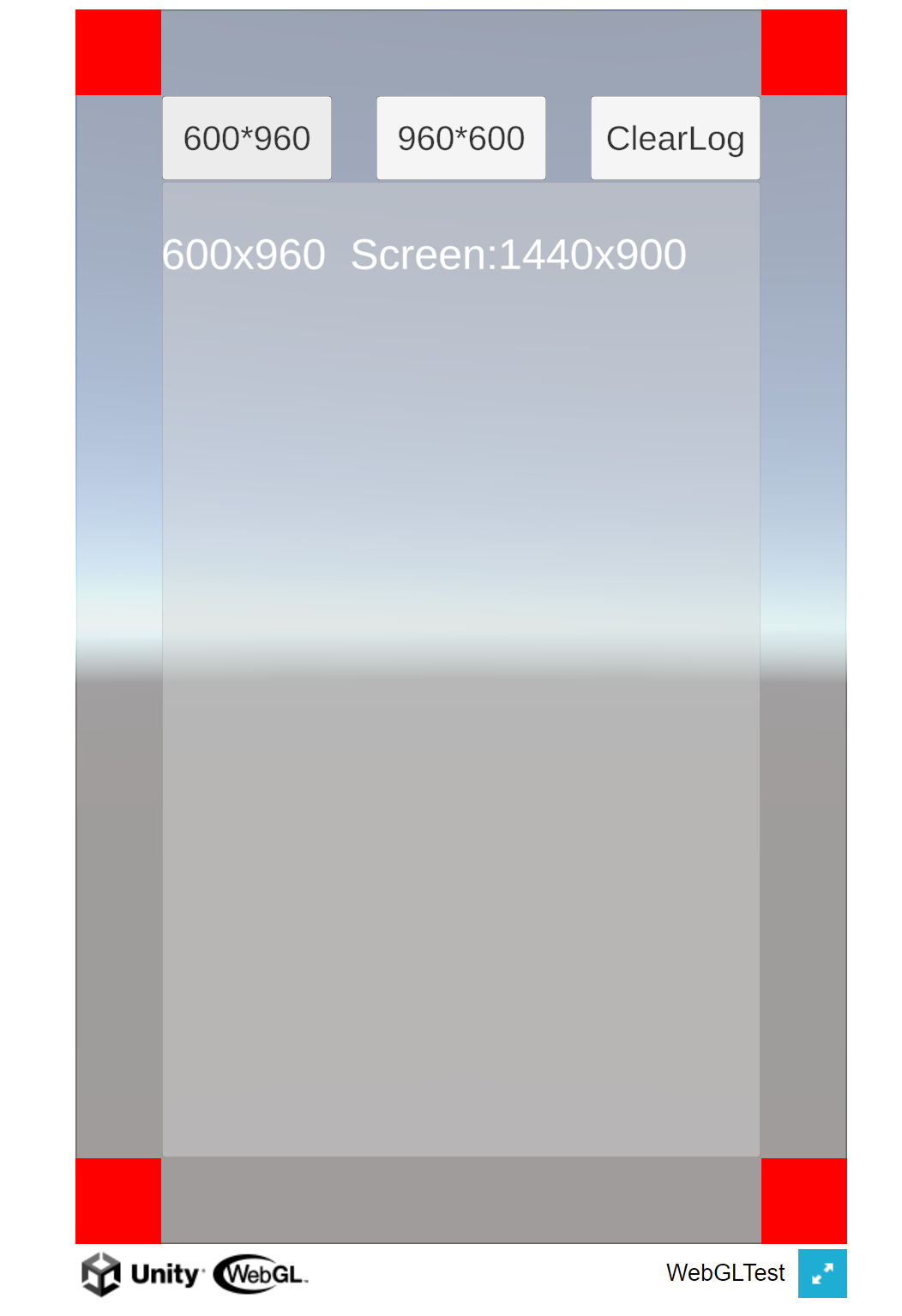
1.静态设置
发布之前在Player Setting/Resolution and Presentation设置
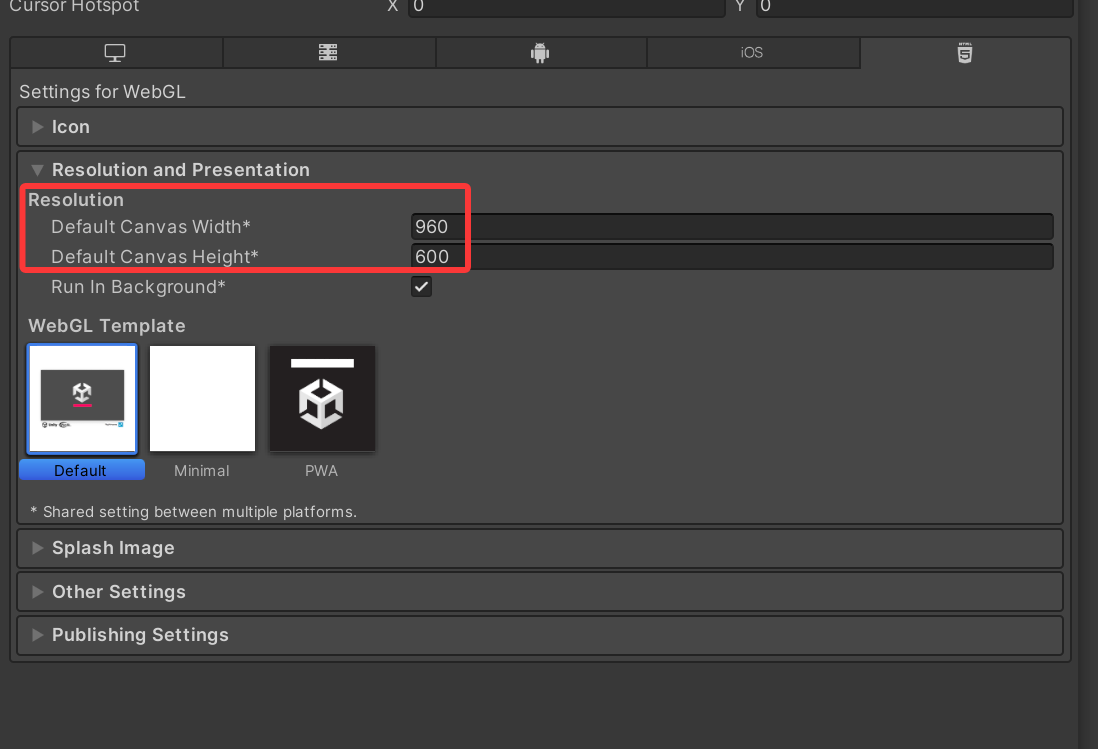
2.动态设置
经过测试在WebGL平台打包后,Screen.SetResolution设置分辨率是不生效的
需要写js脚本
1.新建脚本WebGLResize.jslib,放在Plugins\\WebGL下面
mergeInto(LibraryManager.library, {
ResetCanvasSize: function(width, height) {
// 获取Unity canvas元素
var canvas = document.querySelector("#unity-canvas");
if (!canvas) {
console.warn("无法找到Unity canvas元素");
return;
}
// 设置canvas的新尺寸
canvas.style.width = width + "px";
canvas.style.height = height + "px";
// 如果存在Unity实例,通知其resize
if (Module) {
Module.canvas.width = width;
Module.canvas.height = height;
// 触发Unity内部的resize事件
if (typeof Module.onResize === 'function') {
Module.onResize(width, height);
}
}
// 调整容器大小(如果有父容器)
var parent = canvas.parentElement;
if (parent) {
parent.style.width = width + "px";
parent.style.height = height + "px";
}
console.log("画布已调整为: " + width + "x" + height);
}
});
2.C#调用
完整代码:
using System.Collections;
using System.Collections.Generic;
using System.Runtime.InteropServices;
using TMPro;
using UnityEngine;
public class WebTest : MonoBehaviour
{
public TextMeshProUGUI logText;
public void Set600_960()
{
SetCustomCanvasSize(600, 960);
}
public void Set960_600()
{
SetCustomCanvasSize(960, 600);
}
public void ClearLog()
{
logText.text = "";
}
#if UNITY_WEBGL && !UNITY_EDITOR
[DllImport("__Internal")]
private static extern void ResetCanvasSize(int width, int height);
#endif
// 设置自定义分辨率
private void SetCustomCanvasSize(int width, int height)
{
#if UNITY_WEBGL && !UNITY_EDITOR
ResetCanvasSize(width, height);
#endif
string msg = $"{width}x{height} Screen:{Screen.width}x{Screen.height}";
AppendLogText(msg);
Debug.LogWarning(msg);
}
void AppendLogText(string msg)
{
logText.text = logText.text + "\\n" + msg;
}
}
3.效果展示