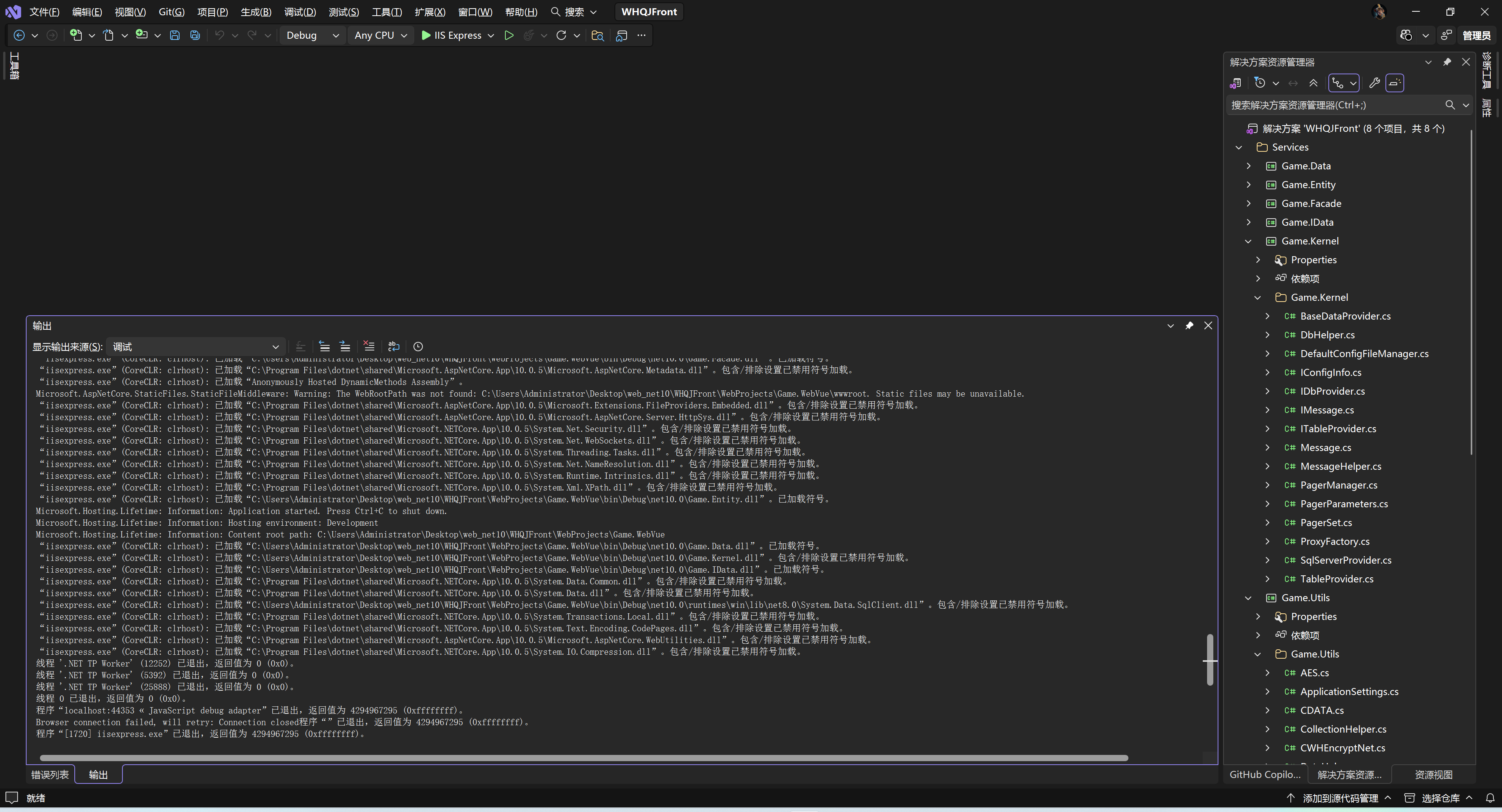
本文记录了一次完整的 .NET 逆向工程实践,包括使用 ILSpy 反编译 DLL、移除 ASP.NET Framework 依赖、迁移到 .NET 10 的全过程。文中涉及的技术方案对老旧项目现代化改造具有参考价值。
## 一、项目背景
在维护一个游戏 Web 项目时,遇到了两个核心类库 `Game.Utils.dll` 和 `Game.Kernel.dll`,它们:
– 基于 .NET Framework 2.0 编译
– 大量依赖 `System.Web` 等已过时的 API
– 以 DLL 引用方式存在,无源码
为了项目可持续发展,决定逆向并升级到 .NET 10。
## 二、工具准备
### 2.1 安装 ILSpy 命令行工具
```bash
dotnet tool install –global ilspycmd
```
### 2.2 环境信息
| 工具 | 版本 |
|——|——|
| .NET SDK | 10.0.201 |
| ILSpy | 9.1.0 |
| Visual Studio | 2022 |
## 三、反编译 DLL
### 3.1 创建输出目录
```bash
mkdir ReverseEngineered
```
### 3.2 执行反编译
```bash
# 反编译 Game.Utils.dll
ilspycmd Game.Utils.dll -o ReverseEngineered/Game.Utils -p
# 反编译 Game.Kernel.dll
ilspycmd Game.Kernel.dll -o ReverseEngineered/Game.Kernel -p
```
**参数说明**:
– `-o`:输出目录
– `-p`:生成完整项目文件
### 3.3 反编译结果
```
ReverseEngineered/
├── Game.Utils/
│ ├── Game.Utils.csproj
│ ├── Game.Utils/ # 37 个核心工具类
│ ├── Game.Utils.Cache/ # 缓存相关
│ ├── Game.Utils.Verify/ # 验证码生成
│ └── Game.Facade.SiteLibrary/
└── Game.Kernel/
├── Game.Kernel.csproj
├── Game.Kernel/ # 15 个数据访问类
└── Properties/
```
—
## 四、迁移到 .NET 10
### 4.1 更新项目文件
**Game.Utils.csproj**
```xml
<Project Sdk="Microsoft.NET.Sdk">
<PropertyGroup>
<TargetFramework>net10.0</TargetFramework>
<LangVersion>14.0</LangVersion>
<AllowUnsafeBlocks>True</AllowUnsafeBlocks>
</PropertyGroup>
<ItemGroup>
<PackageReference Include="System.Drawing.Common" Version="10.0.0" />
<PackageReference Include="System.Configuration.ConfigurationManager" Version="10.0.0" />
</ItemGroup>
</Project>
```
**Game.Kernel.csproj**
```xml
<Project Sdk="Microsoft.NET.Sdk">
<PropertyGroup>
<TargetFramework>net10.0</TargetFramework>
<LangVersion>14.0</LangVersion>
<AllowUnsafeBlocks>True</AllowUnsafeBlocks>
</PropertyGroup>
<ItemGroup>
<ProjectReference Include="..\\Game.Utils\\Game.Utils.csproj" />
<PackageReference Include="System.Data.SqlClient" Version="4.9.0" />
</ItemGroup>
</Project>
```
### 4.2 处理 ASP.NET 依赖
.NET Core/.NET 10 中已移除 `System.Web` 命名空间,需要删除或重写以下文件:
| 已删除文件 | 原因 |
|———–|——|
| AspNetCache.cs | 依赖 HttpRuntime.Cache |
| CookiesCache.cs | 依赖 HttpCookie |
| CtrlHelper.cs | 依赖 WebControls |
| JavaScript.cs | 依赖 Page/ClientScript |
| Template.cs | 依赖 HttpContext |
| Terminator.cs | 依赖 HttpContext |
| SerializationHelper.cs | BinaryFormatter 已废弃 |
### 4.3 核心类重写示例
#### 4.3.1 Utility.cs – 移除 HttpContext 依赖
**原代码(.NET 2.0)**
```csharp
public static string CurrentPath
{
get
{
if (HttpContext.Current == null)
return string.Empty;
string path = HttpContext.Current.Request.Path;
return path.Substring(0, path.LastIndexOf("/"));
}
}
```
**新代码(.NET 10)**
```csharp
// 改为参数传递或使用 IHttpContextAccessor
public static string GetMapPath(string folderPath)
{
if (folderPath.IndexOf(":\\\\") > 0)
return AddLast(folderPath, "\\\\");
if (folderPath.StartsWith("~/"))
return AddLast(Path.Combine(Environment.CurrentDirectory,
folderPath.Substring(2)), "\\\\");
return AddLast(Path.Combine(Environment.CurrentDirectory, folderPath), "\\\\");
}
```
#### 4.3.2 GameRequest.cs – 改为纯函数
**原代码**
```csharp
public static HttpRequest Request
{
get
{
HttpContext current = HttpContext.Current;
return current?.Request;
}
}
public static string GetUserIP()
{
return HttpContext.Current.Request.ServerVariables["HTTP_X_FORWARDED_FOR"];
}
```
**新代码**
```csharp
public static string GetUserIP(string remoteIpAddress = null, string xForwardedFor = null)
{
string empty = string.Empty;
if (!string.IsNullOrEmpty(xForwardedFor))
empty = xForwardedFor.Split(',')[0].Trim();
if (string.IsNullOrEmpty(empty) && !string.IsNullOrEmpty(remoteIpAddress))
empty = remoteIpAddress;
return string.IsNullOrEmpty(empty) || !Validate.IsIP(empty)
? "0.0.0.0" : empty;
}
```
#### 4.3.3 SessionCache.cs – 使用 ConcurrentDictionary
**原代码**
```csharp
public void Add(string key, object value)
{
HttpContext.Current.Session[key] = value;
}
```
**新代码**
```csharp
private static readonly ConcurrentDictionary<string, object> _sessionData = new();
public void Add(string key, object value)
{
_sessionData[key] = value;
}
```
#### 4.3.4 随机数生成器升级
**原代码(已过时)**
```csharp
private static RNGCryptoServiceProvider rng = new RNGCryptoServiceProvider();
public static int GetNewSeed()
{
byte[] array = new byte[4];
rng.GetBytes(array);
return BitConverter.ToInt32(array, 0);
}
```
**新代码**
```csharp
public static int GetNewSeed()
{
byte[] array = new byte[4];
using (var rng = RandomNumberGenerator.Create())
{
rng.GetBytes(array);
}
return BitConverter.ToInt32(array, 0);
}
```
—
## 五、常见问题及解决方案
### 5.1 System.Web 命名空间不存在
**错误信息**
```
error CS0234: 命名空间"System.Web"中不存在类型或命名空间名
```
**解决方案**
– 添加 `System.Web.HttpUtility` 包(仅部分 API)
– 使用 `System.Net.WebUtility` 替代
– 重构代码移除依赖
### 5.2 BinaryFormatter 已废弃
**错误信息**
```
error SYSLIB0011: "BinaryFormatter"已过时
```
**解决方案**
– 删除相关代码
– 使用 `System.Text.Json` 或 `MemoryPack` 替代
### 5.3 System.Drawing 平台警告
**警告信息**
```
warning CA1416: 可在所有平台上访问此调用站点。仅在 "windows" 6.1 及更高版本上受支持
```
**解决方案**
– 添加 `<UseWindowsForms>true</UseWindowsForms>`(如需要)
– 或在非 Windows 平台使用 `ImageSharp` 替代
### 5.4 SqlClient 类型转发
**错误信息**
```
error CS1069: 未能在命名空间"System.Data.SqlClient"中找到类型名"SqlCommand"
```
**解决方案**
```xml
<PackageReference Include="System.Data.SqlClient" Version="4.9.0" />
<!– 或使用新版 –>
<PackageReference Include="Microsoft.Data.SqlClient" Version="5.0.0" />
```
—
## 六、编译验证
### 6.1 清理并重建
```bash
dotnet clean Game.Utils.csproj
dotnet clean Game.Kernel.csproj
dotnet build Game.Utils.csproj
dotnet build Game.Kernel.csproj
```
### 6.2 编译结果
| 项目 | 状态 | 警告数 |
|——|——|——–|
| Game.Utils | ✅ 成功 | 67 |
| Game.Kernel | ✅ 成功 | 12 |
**警告类型分布**:
– `SYSLIB0022` RijndaelManaged 过时(8 个)
– `SYSLIB0021` 派生加密类型过时(10 个)
– `CA1416` 平台兼容性警告(40+ 个)
– `CS0618` SqlClient 过时(8 个)
## 七、添加到解决方案
### 7.1 修改 .sln 文件
在 `GlobalSection(ProjectConfigurationPlatforms)` 中添加:
```
{C8F6D0FD-1405-4D73-A1C1-BC498CA3D2CC}.Debug|Any CPU.ActiveCfg = Debug|Any CPU
{C8F6D0FD-1405-4D73-A1C1-BC498CA3D2CC}.Debug|Any CPU.Build.0 = Debug|Any CPU
{138E704E-B0C8-4821-B32C-F6FB6314651A}.Debug|Any CPU.ActiveCfg = Debug|Any CPU
{138E704E-B0C8-4821-B32C-F6FB6314651A}.Debug|Any CPU.Build.0 = Debug|Any CPU
```
### 7.2 在 NestedProjects 中添加
```
{C8F6D0FD-1405-4D73-A1C1-BC498CA3D2CC} = {D1D390F4-1147-4EDC-A1FC-4EFF9285154D}
{138E704E-B0C8-4821-B32C-F6FB6314651A} = {D1D390F4-1147-4EDC-A1FC-4EFF9285154D}
```
—
## 八、经验总结
### 8.1 迁移难点
1. **HttpContext 依赖**:大量工具类直接访问 `HttpContext.Current`
2. **加密 API 过时**:RijndaelManaged、RNGCryptoServiceProvider 等已废弃
3. **BinaryFormatter**:序列化类完全不可用
4. **System.Drawing**:跨平台支持有限
### 8.2 最佳实践
1. **渐进式迁移**:先编译通过,再逐步消除警告
2. **单元测试**:迁移后验证核心功能
3. **API 映射表**:建立新旧 API 对照文档
4. **条件编译**:如需同时支持多框架
### 8.3 后续工作
– [ ] 将 RijndaelManaged 替换为 Aes
– [ ] 将 DESCryptoServiceProvider 替换为 Aes
– [ ] 将 MD5CryptoServiceProvider 替换为 MD5.Create()
– [ ] 使用 Microsoft.Data.SqlClient 替代 System.Data.SqlClient
– [ ] 添加单元测试覆盖核心功能
—
## 九、参考资源
1. [.NET 升级助手](https://dotnet.microsoft.com/platform/upgrade-assistant)
2. [ASP.NET Core 迁移指南](https://learn.microsoft.com/aspnet/core/migration/)
3. [ILSpy GitHub](https://github.com/icsharpcode/ILSpy)
4. [.NET 加密 API 指南](https://learn.microsoft.com/dotnet/standard/security/cryptographic-services)
**作者**:林宏权
**许可协议**:CC BY-NC-SA 4.0
*如果本文对你有帮助,欢迎点赞、收藏、转发!*
