如果你第一次接触 Codex,可能会把它理解成一个“帮你写代码的 AI”。
但真正使用起来以后会发现,Codex 和普通的 AI 代码生成工具并不完全一样。
它可以直接进入你的项目环境,理解代码库中的文件和结构,根据任务修改代码,并配合本地工具进行测试和调试。官方目前将 Codex 定位为能够帮助开发者编写、审查和交付代码的 coding agent。
所以,真正高效的 Codex 用法并不是:
“帮我写一个登录页面。”
而是:
“分析这个项目的登录流程,找到用户认证相关代码,定位登录失败的原因,提出修改方案,完成修改并运行测试。”
这也是本文要介绍的重点。
一、Codex是什么?
Codex 是 OpenAI 推出的 AI coding agent,可以参与实际的软件开发流程。
与传统的 AI 聊天式编程不同,Codex 可以在项目环境中读取代码、理解项目结构、修改文件,并执行开发任务。
简单来说:
普通 AI 编程:
需求 → AI生成代码 → 复制代码 → 粘贴到项目 → 自己测试
Codex:
需求 → Codex理解项目 → 修改代码 → 运行测试 → 检查结果 → 继续修复
这意味着 Codex 更适合处理真实项目,而不仅仅是生成一段独立代码。
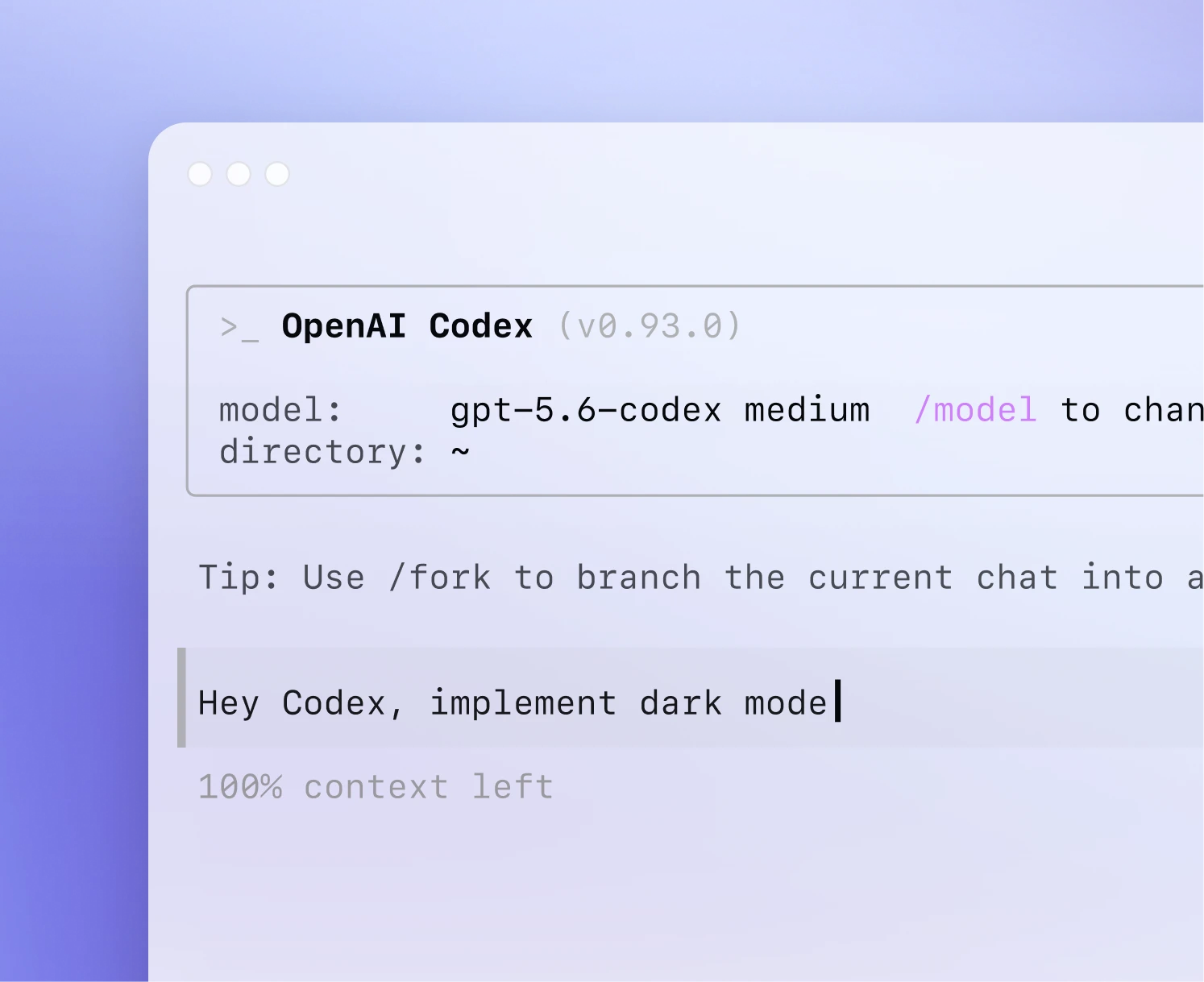
目前 Codex 可以在 ChatGPT、IDE 和终端中使用,因此可以根据自己的开发习惯选择工作方式。
二、Codex适合做什么?
Codex 并不只是用来“写新代码”。
实际开发中,更值得使用 Codex 的场景包括:
1. 快速理解陌生项目
如果你刚接手一个 GitHub 项目,可以直接让 Codex 分析:
Analyze this repository and explain:
1. The overall project structure
2. The main application entry point
3. How data flows through the application
4. The main dependencies
5. Where authentication is handled
6. How tests are organized
相比自己从几十甚至几百个文件开始阅读,这种方式更适合快速建立项目整体认知。
官方也将“理解代码库”作为 Codex 的典型使用场景之一。
2. 开发新功能
例如你正在开发一个后台管理系统,可以直接给 Codex 一个完整任务:
Add a user search feature to the admin dashboard.
Requirements:
– Search by username or email
– Add a search input above the user table
– Support Enter key submission
– Keep the existing pagination behavior
– Add tests for the search functionality
Before making changes, inspect the existing architecture and explain your implementation plan.
这里有一个非常重要的技巧:
不要只告诉 Codex“做什么”,还要告诉它“有什么限制”。
例如:
- 不修改现有 API
- 保持现有 UI
- 不新增第三方依赖
- 必须保留原有测试
- 修改完成后运行测试
限制越明确,最终结果通常越容易控制。
三、Codex怎么安装?
如果使用 Codex CLI,可以直接通过官方提供的方式安装。
Mac/Linux 可以使用:
curl -fsSL https://chatgpt.com/codex/install.sh | sh
也可以通过 npm:
npm install -g @openai/codex
Windows 也有对应的 PowerShell 安装方式。官方 GitHub README 提供了目前的安装方式和平台说明。
安装完成以后,在项目目录运行:
codex
然后登录并开始任务即可。
官方当前的基本流程也是:
打开项目 → 启动 Codex → 登录 → 选择项目 → 提出第一个任务。
四、第一次使用Codex应该做什么?
不建议第一次启动 Codex 就让它修改整个项目。
更好的方法是先让它“读项目”。
例如:
Analyze this project first.
Do not modify any files.
Explain:
– project structure
– main entry points
– important modules
– database structure
– API structure
– test setup
– potential technical risks
等 Codex 完成分析后,再让它开始修改。
这样做有两个好处。
第一,你可以先确认 AI 是否真正理解了项目。
第二,可以避免因为项目结构理解错误而直接修改大量文件。
对于大型项目尤其重要。
五、Codex最重要的使用技巧:不要只给一句话
很多人使用 AI 编程工具效率不高,并不是模型能力不够,而是任务描述太模糊。
例如:
Fix the login bug.
这个任务对人类开发者来说都不够明确,更不用说 AI。
更好的写法是:
Users are sometimes redirected back to the login page after successful authentication.
Please:
1. Investigate the authentication flow.
2. Identify the root cause.
3. Check whether the issue is related to session or token handling.
4. Make the smallest safe fix.
5. Add or update tests.
6. Run the relevant tests.
7. Summarize what changed and why.
这类 Prompt 的核心结构可以总结成:
背景 + 目标 + 限制 + 验证方式
例如:
Background:
Users are occasionally logged out after refreshing the page.
Goal:
Fix the authentication persistence issue.
Constraints:
– Do not change the authentication provider.
– Do not add new dependencies.
– Keep the existing API unchanged.
Validation:
– Add a regression test.
– Run the authentication test suite.
这比一句“帮我修 Bug”有效得多。
六、让Codex先制定计划,再修改代码
对于比较复杂的任务,不建议一上来就让 Codex 修改。
可以先要求:
Inspect the repository and create an implementation plan.
Do not modify any files yet.
Explain:
– which files need to change
– why they need to change
– possible side effects
– how you will test the changes
确认方案以后,再让它执行。
这种工作方式特别适合:
- 大型重构
- 数据库迁移
- 登录系统修改
- API 重构
- 前端架构调整
- 性能优化
因为复杂任务最大的风险不是“代码写错一行”,而是修改范围失控。
七、用Codex调试Bug的正确方法
如果你遇到 Bug,不要只把错误信息扔给 Codex:
Fix this error:
TypeError…
最好同时提供:
错误 + 复现方法 + 预期结果 + 实际结果
例如:
There is a bug in the checkout flow.
Steps to reproduce:
1. Add an item to the cart.
2. Apply a discount code.
3. Refresh the page.
4. Click checkout.
Expected:
The discount should remain applied.
Actual:
The discount disappears.
Please investigate the root cause, fix it, and add a regression test.
这样 Codex 才有机会从“猜原因”变成真正的 debugging workflow。
八、让Codex自动测试,而不是只看代码
这是很多新手容易忽略的一点。
不要在 Codex 修改完代码以后直接说:
Looks good.
应该继续要求:
Run the relevant tests.
If any tests fail:
1. Analyze the failure.
2. Fix the issue.
3. Run the tests again.
Do not stop until the relevant tests pass.
如果项目本身没有测试,也可以让 Codex 先分析:
Identify the most important untested parts of this feature and suggest tests for them.
Codex 官方也强调了测试、代码审查和验证在实际开发工作流中的作用