LLM 驱动的前端组件文档生成:从代码到 API 文档的自动化
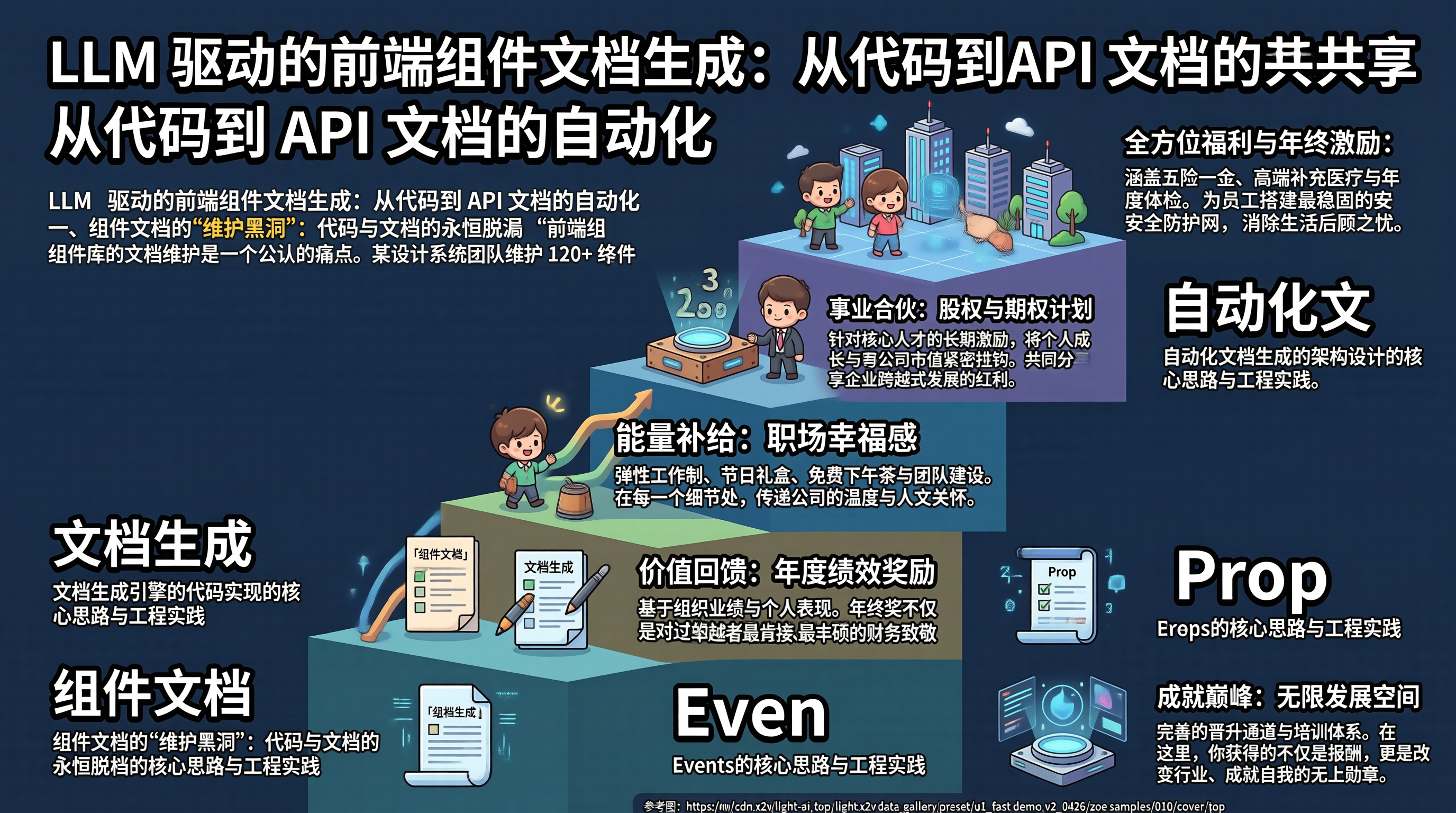
一、组件文档的"维护黑洞":代码与文档的永恒脱节
前端组件库的文档维护是一个公认的痛点。某设计系统团队维护 120+ 组件,每次 API 变更都需要同步更新 Storybook 文档、TypeScript 类型注释和使用示例。统计显示,约 35% 的文档与实际 API 不一致——Props 类型已变更但文档未更新、新增的回调函数未在文档中体现、默认值描述与代码不符。这种脱节导致消费者频繁踩坑,组件库的采纳率持续走低。
传统方案依赖开发者自觉维护文档,但人的记忆和纪律性不可靠。LLM 驱动的文档生成方案从组件源码自动提取结构信息,结合 AI 生成自然语言描述和使用示例,使文档与代码始终保持同步。
二、自动化文档生成的架构设计
flowchart LR
subgraph 解析层["源码解析"]
TS[TypeScript 源码] –> AST[AST 解析]
AST –> PROPS[Props 类型提取]
AST –> EMITS[Emits 事件提取]
AST –> SLOTS[Slots 提取]
AST –> METHODS[Methods 提取]
end
subgraph AI层["AI 文档生成"]
PROPS –> LLM[LLM 描述生成]
EMITS –> LLM
SLOTS –> LLM
METHODS –> LLM
LLM –> DESC[自然语言描述]
LLM –> EXAMPLE[使用示例]
end
subgraph 输出层["文档输出"]
DESC –> MDX[MDX 文档]
EXAMPLE –> MDX
PROPS –> TABLE[Props 表格]
EMITS –> TABLE
MDX –> SITE[文档站点]
TABLE –> SITE
end
style 解析层 fill:#eef,stroke:#333
style AI层 fill:#efe,stroke:#333
style 输出层 fill:#fee,stroke:#333
三、文档生成引擎的代码实现
// doc-generator.ts — 前端组件文档自动生成引擎
import * as ts from 'typescript';
import { glob } from 'glob';
import { readFile, writeFile } from 'fs/promises';
// ============ 类型定义 ============
interface PropDefinition {
name: string;
type: string;
required: boolean;
defaultValue?: string;
description: string; // AI 生成
jsDocDescription?: string; // 原始 JSDoc
}
interface EmitDefinition {
name: string;
payload: string;
description: string;
}
interface SlotDefinition {
name: string;
props: string;
description: string;
}
interface ComponentDoc {
name: string;
filePath: string;
description: string; // AI 生成的组件概述
props: PropDefinition[];
emits: EmitDefinition[];
slots: SlotDefinition[];
usageExample: string; // AI 生成的使用示例
}
// ============ 源码解析器 ============
class ComponentParser {
parseFile(filePath: string): ComponentDoc | null {
const sourceCode = ts.sys.readFile(filePath);
if (!sourceCode) return null;
const sourceFile = ts.createSourceFile(
filePath, sourceCode, ts.ScriptTarget.Latest, true
);
const doc: ComponentDoc = {
name: this.extractComponentName(filePath),
filePath,
description: '',
props: [],
emits: [],
slots: [],
usageExample: '',
};
this.visitNode(sourceFile, doc, sourceCode);
return doc;
}
private visitNode(
node: ts.Node, doc: ComponentDoc, sourceCode: string
) {
// 提取 defineProps 的类型信息
if (ts.isCallExpression(node)) {
const exprText = node.expression.getText
? node.expression.getText()
: '';
if (exprText.includes('defineProps')) {
doc.props = this.extractProps(node, sourceCode);
}
if (exprText.includes('defineEmits')) {
doc.emits = this.extractEmits(node, sourceCode);
}
}
ts.forEachChild(node, child => this.visitNode(child, doc, sourceCode));
}
private extractProps(
node: ts.CallExpression, sourceCode: string
): PropDefinition[] {
const props: PropDefinition[] = [];
const typeArg = node.typeArguments?.[0];
if (typeArg && ts.isTypeLiteralNode(typeArg)) {
for (const member of typeArg.members) {
if (ts.isPropertySignature(member)) {
const name = member.name.getText();
const type = member.type?.getText() || 'any';
const optional = !!member.questionToken;
// 提取 JSDoc 注释
const jsDoc = ts.getJSDocTags(member)
.map(tag => tag.comment?.toString() || '')
.join(' ');
props.push({
name,
type,
required: !optional,
description: '', // 待 AI 填充
jsDocDescription: jsDoc || undefined,
});
}
}
}
return props;
}
private extractEmits(
node: ts.CallExpression, sourceCode: string
): EmitDefinition[] {
// 简化实现:提取事件名称
const emits: EmitDefinition[] = [];
const args = node.arguments[0];
if (args && ts.isArrayLiteralExpression(args)) {
for (const elem of args.elements) {
if (ts.isStringLiteral(elem)) {
emits.push({
name: elem.text,
payload: 'unknown',
description: '',
});
}
}
}
return emits;
}
private extractComponentName(filePath: string): string {
const parts = filePath.split('/');
const fileName = parts[parts.length – 1];
return fileName.replace(/\\.(vue|tsx?)$/, '');
}
}
// ============ AI 文档增强器 ============
class AIDocEnhancer {
private aiClient: AIClient;
constructor(aiClient: AIClient) {
this.aiClient = aiClient;
}
async enhance(doc: ComponentDoc): Promise<ComponentDoc> {
// 并行生成各部分文档
const [description, propDescs, emitDescs, example] = await Promise.all([
this.generateComponentDescription(doc),
this.generatePropDescriptions(doc),
this.generateEmitDescriptions(doc),
this.generateUsageExample(doc),
]);
doc.description = description;
doc.props = propDescs;
doc.emits = emitDescs;
doc.usageExample = example;
return doc;
}
private async generateComponentDescription(doc: ComponentDoc): Promise<string> {
const prompt = `
根据以下 Vue3 组件的 API 信息,生成一段简洁的组件功能描述(50-100字)。
组件名: ${doc.name}
Props: ${doc.props.map(p => `${p.name}: ${p.type}`).join(', ')}
Emits: ${doc.emits.map(e => e.name).join(', ')}
要求:客观描述功能,不使用"强大"、"优雅"等主观词汇。
`;
return this.aiClient.generate(prompt);
}
private async generatePropDescriptions(
doc: ComponentDoc
): Promise<PropDefinition[]> {
if (doc.props.length === 0) return doc.props;
const propsInfo = doc.props.map(p =>
`${p.name} (${p.type}${p.required ? ', 必填' : ', 可选'}${p.defaultValue ? `, 默认: ${p.defaultValue}` : ''})${p.jsDocDescription ? ` — 已有注释: ${p.jsDocDescription}` : ''}`
).join('\\n');
const prompt = `
为以下 Vue3 组件 Props 生成中文描述,每个 Prop 一行,格式:
propName: 描述文本
组件: ${doc.name}
Props:
${propsInfo}
要求:描述应说明该 Prop 的用途和效果,不超过 30 字。
`;
const response = await this.aiClient.generate(prompt);
// 解析 AI 响应,匹配到对应 Prop
const lines = response.trim().split('\\n');
for (const line of lines) {
const [name, …descParts] = line.split(':');
const desc = descParts.join(':').trim();
const prop = doc.props.find(p => p.name === name.trim());
if (prop && desc) {
prop.description = prop.jsDocDescription || desc;
}
}
return doc.props;
}
private async generateEmitDescriptions(
doc: ComponentDoc
): Promise<EmitDefinition[]> {
if (doc.emits.length === 0) return doc.emits;
const prompt = `
为以下 Vue3 组件事件生成中文描述:
${doc.emits.map(e => e.name).join(', ')}
格式: eventName: 描述
`;
const response = await this.aiClient.generate(prompt);
const lines = response.trim().split('\\n');
for (const line of lines) {
const [name, …descParts] = line.split(':');
const desc = descParts.join(':').trim();
const emit = doc.emits.find(e => e.name === name.trim());
if (emit && desc) {
emit.description = desc;
}
}
return doc.emits;
}
private async generateUsageExample(doc: ComponentDoc): Promise<string> {
const propsSnippet = doc.props
.filter(p => p.required)
.map(p => ` :${p.name}="…"`)
.join('\\n');
const prompt = `
为 Vue3 组件 ${doc.name} 生成一个使用示例。
必填 Props: ${doc.props.filter(p => p.required).map(p => `${p.name}: ${p.type}`).join(', ')}
事件: ${doc.emits.map(e => e.name).join(', ')}
输出格式: <template> 中的使用代码,不超过 15 行。
`;
return this.aiClient.generate(prompt);
}
}
// ============ 文档输出格式化 ============
class DocFormatter {
toMDX(doc: ComponentDoc): string {
const propsTable = this.formatPropsTable(doc.props);
const emitsTable = this.formatEmitsTable(doc.emits);
return `# ${doc.name}
${doc.description}
## Props
${propsTable}
## Events
${emitsTable}
## 使用示例
\\`\\`\\`vue
${doc.usageExample}
\\`\\`\\`
`;
}
private formatPropsTable(props: PropDefinition[]): string {
if (props.length === 0) return '无 Props';
const header = '| 属性 | 类型 | 必填 | 默认值 | 说明 |';
const separator = '| — | — | — | — | — |';
const rows = props.map(p =>
`| ${p.name} | \\`${p.type}\\` | ${p.required ? '是' : '否'} | ${p.defaultValue || '-'} | ${p.description} |`
);
return [header, separator, …rows].join('\\n');
}
private formatEmitsTable(emits: EmitDefinition[]): string {
if (emits.length === 0) return '无 Events';
const header = '| 事件名 | 参数 | 说明 |';
const separator = '| — | — | — |';
const rows = emits.map(e =>
`| ${e.name} | \\`${e.payload}\\` | ${e.description} |`
);
return [header, separator, …rows].join('\\n');
}
}
// ============ 主流程 ============
async function generateDocs(
componentDir: string,
outputDir: string,
aiClient: AIClient
) {
const parser = new ComponentParser();
const enhancer = new AIDocEnhancer(aiClient);
const formatter = new DocFormatter();
const files = await glob(`${componentDir}/**/*.{vue,tsx}`);
console.log(`发现 ${files.length} 个组件文件`);
for (const file of files) {
const doc = parser.parseFile(file);
if (!doc) continue;
const enhanced = await enhancer.enhance(doc);
const mdx = formatter.toMDX(enhanced);
const outputPath = `${outputDir}/${doc.name}.mdx`;
await writeFile(outputPath, mdx, 'utf-8');
console.log(`已生成: ${outputPath}`);
}
}
四、自动化文档生成的 Trade-offs
AI 生成描述的准确性。LLM 对组件功能的理解基于 Props 和 Events 的名称推断,当命名不规范(如 prop 命名为 val 而非 value)时,生成的描述可能偏离实际用途。解决方案是优先使用 JSDoc 注释作为描述来源,AI 仅补充缺失的描述。
文档与代码的同步机制。自动生成解决了"从无到有"的问题,但"持续同步"需要 CI 集成——每次组件代码变更时自动重新生成文档并提交 PR。这要求生成结果具有幂等性,相同代码多次生成结果一致。
生成示例的可靠性。AI 生成的使用示例可能包含不存在的 Prop 或错误的语法。必须对生成的示例进行类型检查,确保与组件的实际 API 一致。
多框架适配成本。当前实现针对 Vue3 的 defineProps/defineEmits,React 组件需要解析 PropTypes 或 interface,Angular 组件需要解析 @Input/@Output。多框架支持增加了解析器的维护成本。
五、总结
LLM 驱动的组件文档生成通过"源码解析 + AI 增强 + 格式化输出"三阶段流水线,将文档维护从手动同步转变为自动生成。源码解析提取结构化 API 信息,AI 生成自然语言描述和使用示例,格式化器输出标准 MDX 文档。但 AI 生成描述的准确性依赖命名规范,使用示例需要类型检查验证,持续同步需要 CI 集成。工程落地的关键原则是:结构化信息从代码提取(确定性),自然语言描述由 AI 补充(辅助性),人工审核作为最终质量保障。