互联网上暴露了什么资产?怎么快速发现全网同类型设备?如何追踪攻击基础设施?
全文系统梳理网络空间测绘全体系,从Shodan、FOFA、Censys、ZoomEye等平台使用,到搜索语法、资产发现、攻击面管理,每个维度都有命令和技巧,看完就能上手网络空间测绘!

一、网络空间测绘概述
网络空间测绘(Cyber Space Mapping)是对互联网上所有联网设备和服务进行系统化探测、标识和分类的技术。就像地理测绘制作地图一样,网络空间测绘制作"互联网地图"——哪些IP开放了什么服务、运行了什么软件、存在什么漏洞,一目了然。
空间测绘平台对比
| Shodan | 美国 | 全球最早,端口全面 | 数十亿 | 有限 |
| Censys | 美国 | TLS证书强 | 数十亿 | 有限 |
| FOFA | 中国 | 搜索语法灵活 | 数十亿 | 有限 |
| ZoomEye | 中国 | 中国资产全 | 数十亿 | 有限 |
| Quake | 中国 | 360系,精准度高 | 数十亿 | 有限 |
| Hunter | 中国 | 长亭系,资产丰富 | 数十亿 | 有限 |
| BinaryEdge | 葡萄牙 | 实时扫描强 | 数十亿 | 有限 |
提示: 网络空间测绘是渗透测试信息收集的核心手段。通过平台搜索语法,可以快速发现目标企业的互联网暴露面、已知漏洞设备、甚至攻击者的C2基础设施。每个安全从业者都应熟练掌握至少2-3个平台的使用。
二、Shodan实战
1. 基础搜索
# Shodan CLI 安装
pip install shodan
shodan init YOUR_API_KEY
# 基础搜索
shodan search "nginx"
shodan search "apache"
shodan search "ssh"
shodan search "redis"
# 按端口搜索
shodan search "port:22" # SSH服务
shodan search "port:3389" # 远程桌面
shodan search "port:3306" # MySQL
shodan search "port:6379" # Redis
shodan search "port:27017" # MongoDB
shodan search "port:9200" # Elasticsearch
shodan search "port:5900" # VNC
# 按国家搜索
shodan search "port:22 country:CN"
shodan search "nginx country:US"
shodan search "apache country:JP"
# 按城市搜索
shodan search "port:3389 city:Beijing"
shodan search "iis city:Shanghai"
# 按组织搜索
shodan search "org:China Telecom"
shodan search "org:Amazon port:22"
shodan search "org:Microsoft port:3389"
# 按ASN搜索
shodan search "asn:AS4134 port:22" # 中国电信
shodan search "asn:AS4837 port:3389" # 联通
2. 高级搜索语法
# 组合搜索
shodan search "nginx country:CN port:80,443"
shodan search "apache version:2.4.49" # 特定版本
shodan search "nginx hostname:example.com" # 指定域名
shodan search "http title:\\"Dashboard\\"" # HTTP标题
shodan search "http component:\\"Apache\\"" # 技术组件
# 漏洞搜索
shodan search "vuln:CVE-2021-44228" # Log4Shell
shodan search "vuln:CVE-2021-26855" # ProxyLogon
shodan search "vuln:CVE-2017-0144" # EternalBlue
shodan search "vuln:CVE-2019-0708" # BlueKeep
# 工控设备搜索
shodan search "port:502" # Modbus
shodan search "port:102 product:Siemens" # S7Comm
shodan search "port:20000" # DNP3
shodan search "port:44818" # EtherNet/IP
shodan search "port:47808" # BACnet
# 摄像头搜索
shodan search "webcam" # 所有摄像头
shodan search "webcam country:CN" # 中国摄像头
shodan search "Server: yawcam" # 特定品牌
shodan search "Server: Boa" # Boa web服务器
# 数据库搜索
shodan search "product:MongoDB" # MongoDB
shodan search "product:Elasticsearch" # ES
shodan search "product:Redis" # Redis
shodan search "product:MySQL" # MySQL
# 其他高危服务
shodan search "product:Docker" # Docker API
shodan search "product:Kubernetes" # K8s API
shodan search "product:jenkins" # Jenkins
shodan search "product:gitlab" # GitLab
3. API自动化
# Shodan Python API
import shodan
api = shodan.Shodan('YOUR_API_KEY')
# 搜索
results = api.search('nginx country:CN')
for service in results['matches'][:10]:
print(f"{service['ip_str']}:{service['port']} – {service.get('org','')}")
# 主机详情
host = api.host('8.8.8.8')
print(f"IP: {host['ip_str']}")
print(f"Organization: {host.get('org', 'N/A')}")
print(f"OS: {host.get('os', 'N/A')}")
print(f"Ports: {host['ports']}")
print(f"Vulns: {host.get('vulns', [])}")
# 批量查询
ips = ['1.1.1.1', '8.8.8.8', '114.114.114.114']
for ip in ips:
try:
host = api.host(ip)
print(f"{ip}: {host['ports']}")
except:
pass
# 账户信息
info = api.info()
print(f"Query Credits: {info['query_credits']}")
print(f"Scan Credits: {info['scan_credits']}")
# 批量搜索并导出
import csv
results = api.search('port:6379 country:CN', limit=100)
with open('redis_assets.csv', 'w', newline='') as f:
writer = csv.writer(f)
writer.writerow(['IP', 'Port', 'Organization', 'Location'])
for service in results['matches']:
writer.writerow([
service['ip_str'],
service['port'],
service.get('org', ''),
service.get('location', {}).get('city', '')
])
注意: Shodan搜索结果包含全球设备的端口和服务信息。使用Shodan数据进行安全研究时,务必遵守当地法律法规。未经授权对搜索到的IP进行入侵测试是违法行为。
三、FOFA实战
1. FOFA搜索语法
# FOFA – 网络空间测绘引擎
# 网站: https://fofa.info
# 基础搜索
ip="1.1.1.1" # 指定IP
port="80" # 指定端口
host="example.com" # 指定域名
domain="example.com" # 域名及其子域
title="后台登录" # 网页标题
body="登录" # 网页正文
header="Server: nginx" # HTTP头
banner="SSH" # Banner信息
# 组合搜索
title="后台登录" && country="CN"
port="8080" && domain="example.com"
header="Jenkins" && port="8080"
body="Powered by WordPress" && country="US"
# 排除条件
title="管理后台" && country="CN" && port!="443"
app="Apache" && version="2.4.49"
# 按组件搜索
app="Apache-HTTPd" # Apache
app="Nginx" # Nginx
app="Tomcat" # Tomcat
app="WebLogic" # WebLogic
app="Struts" # Struts2
app="Spring" # Spring
app="Shiro" # Apache Shiro
app="ThinkPHP" # ThinkPHP
app="Log4j2" # Log4j2
# 按证书搜索
cert="example.com" # 证书包含域名
cert.subject="Org Name" # 证书主题
cert.issuer="DigiCert" # 证书签发者
# 高级搜索
icon_hash="-247388890" # Favicon哈希
status_code="200" # HTTP状态码
after="2026-01-01" # 时间范围
before="2026-06-01"
# C2基础设施搜索
ip="1.2.3.4" # 查询特定IP
port="443" && banner="CobaltStrike"
header="nginx" && body="404 Not Found"
2. FOFA高级技巧
# Favicon哈希搜索
# 计算Favicon哈希
python3 -c "
import mmh3, requests, codecs
response = requests.get('http://example.com/favicon.ico', verify=False)
favicon = codecs.encode(response.content, 'base64')
hash = mmh3.hash(favicon)
print(f'icon_hash=\\"{hash}\\"')
"
# 用哈希搜索同类资产
# icon_hash="-247388890"
# 资产聚合搜索
# 查找某企业所有资产
domain="example.com"
cert="example.com"
host="example.com"
body="example.com"
# 查找特定漏洞
# Log4Shell
app="Log4j2" && header="Jndi"
body="\\${jndi:ldap://"
# Struts2
app="Struts" && header="X-Powered-By"
# Shiro
header="rememberme=deleteMe"
# WebLogic
port="7001" && body="WebLogic"
# Spring Boot Actuator
body="\\"_links\\"" && header="Spring"
四、其他平台
1. Censys
# Censys – 注重TLS证书和网络服务
# 搜索语法
# 服务搜索
services.tls.certificates.leaf_data.subject.common_name: "example.com"
# 端口搜索
services.port: 443
# 协议搜索
services.service_name: "HTTP"
# 自治系统
autonomous_system.asn: 13335
# 组合搜索
services.tls.certificates.leaf_data.subject.common_name: "*.example.com" and services.port: 443
# 查找使用特定证书的IP
services.tls.certificates.leaf_data.fingerprint: "sha256_hash"
# Python API
from censys.search import CensysHosts
h = CensysHosts()
results = h.search("services.port: 443 and location.country_code: CN")
for result in results:
print(result['ip'], result.get('services', []))
2. ZoomEye
# ZoomEye – 知道创宇空间测绘
# 搜索语法
# Web搜索
app:"nginx" # 应用
title:"后台" # 标题
header:"Server" # HTTP头
body:"管理" # 正文
# 设备搜索
port:22 # 端口
service:"ssh" # 服务
banner:"SSH-2.0" # Banner
# 组合搜索
app:"Apache" country:"CN" port:"80"
service:"redis" port:"6379"
# CLI工具
pip install zoomeye
zoomeye init -apikey YOUR_KEY
zoomeye search "port:6379 country:CN"
zoomeye search "app:nginx"
3. Quake
# Quake – 360网络空间测绘
# 搜索语法
# 基础搜索
port:"22" # 端口
service:"http" # 服务
app:"Nginx" # 应用
title:"登录" # 标题
header:"Server" # HTTP头
# 组合搜索
app:"Spring" AND port:"8080"
service:"redis" AND port:"6379"
# 漏洞搜索
app:"Log4j2"
app:"Confluence"
app:"GitLab"
# 中国境内搜索
country:"CN" AND port:"3389"
平台搜索语法对比
| 端口 | port:22 | port=“22” | services.port:22 | port:22 |
| 国家 | country:CN | country=“CN” | location.country_code:CN | country:CN |
| 标题 | http.title | title=“” | – | title: |
| 头部 | – | header=“” | – | header: |
| 应用 | product: | app=“” | – | app: |
| 证书 | – | cert=“” | services.tls | – |
| 漏洞 | vuln: | – | – | – |
提示: 不同平台的搜索语法各不相同。建议保存一份语法对照表,在多个平台交叉搜索同一目标。Shodan覆盖全球更广,FOFA中文资产更全,Censys证书搜索更强,交叉使用效果最好。
五、攻击面管理
1. 资产发现流程
攻击面发现流程
├── 域名收集
│ ├── 子域名爆破(subfinder/amass)
│ ├── 证书透明度(crt.sh)
│ ├── DNS记录(dig/nslookup)
│ ├── 搜索引擎(Google/Bing)
│ └── 空间测绘(FOFA/Shodan)
├── IP发现
│ ├── 域名解析
│ ├── BGP/ASN查询
│ ├── 反查域名
│ └── 空间测绘平台
├── 端口扫描
│ ├── 全端口扫描(nmap/naabu)
│ ├── 空间测绘数据
│ └── 服务识别
├── 服务指纹
│ ├── Web指纹(whatweb/wappalyzer)
│ ├── Banner识别
│ ├── 空间测绘数据
│ └── 组件版本
├── 漏洞关联
│ ├── CVE匹配
│ ├── 已知漏洞利用
│ └── ExP验证
└── 攻击面报告
├── 暴露面统计
├── 高危资产列表
└── 修复建议
2. 自动化资产收集
# 多平台资产收集脚本
import requests
import json
import csv
class AssetCollector:
def __init__(self):
self.assets = []
def shodan_search(self, query, api_key):
"""Shodan搜索"""
url = f"https://api.shodan.io/shodan/host/search"
params = {'key': api_key, 'query': query}
resp = requests.get(url, params=params)
for match in resp.json().get('matches', []):
self.assets.append({
'ip': match['ip_str'],
'port': match['port'],
'service': match.get('_shodan', {}).get('module', ''),
'product': match.get('product', ''),
'version': match.get('version', ''),
'org': match.get('org', ''),
'country': match.get('location', {}).get('country_name', ''),
'source': 'Shodan'
})
def fofa_search(self, query, email, key):
"""FOFA搜索"""
import base64
qbase64 = base64.b64encode(query.encode()).decode()
url = "https://fofa.info/api/v1/search/all"
params = {'email': email, 'key': key, 'qbase64': qbase64, 'size': 100}
resp = requests.get(url, params=params)
for result in resp.json().get('results', []):
parts = result.split(':')
self.assets.append({
'ip': parts[0] if len(parts) > 0 else '',
'port': parts[1] if len(parts) > 1 else '',
'source': 'FOFA'
})
def crtsh_search(self, domain):
"""证书透明度查询子域名"""
url = f"https://crt.sh/?q=%.{domain}&output=json"
resp = requests.get(url, timeout=30)
domains = set()
for entry in resp.json():
for name in entry.get('name_value', '').split('\\n'):
name = name.strip().lower()
if name and not name.startswith('*'):
domains.add(name)
for d in domains:
self.assets.append({'domain': d, 'source': 'crt.sh'})
def export_csv(self, filename='assets.csv'):
"""导出CSV"""
with open(filename, 'w', newline='', encoding='utf-8') as f:
writer = csv.DictWriter(f, fieldnames=['ip', 'port', 'service', 'product', 'version', 'org', 'country', 'source', 'domain'])
writer.writeheader()
for asset in self.assets:
writer.writerow(asset)
def run(self, domain):
print(f"[*] Collecting assets for {domain}…")
self.crtsh_search(domain)
# self.shodan_search(f'hostname:{domain}', 'YOUR_KEY')
# self.fofa_search(f'domain="{domain}"', 'email', 'key')
print(f"[+] Total assets: {len(self.assets)}")
self.export_csv()
collector = AssetCollector()
collector.run('example.com')
3. 攻击面分析
# 攻击面分析维度
# 1. 暴露端口统计
# 统计哪些端口暴露最多
cat assets.csv | cut -d',' -f2 | sort | uniq -c | sort -rn
# 2. 服务分布
cat assets.csv | cut -d',' -f3 | sort | uniq -c | sort -rn
# 3. 版本漏洞匹配
# 检查已知漏洞版本
cat assets.csv | grep -E "Apache/2.4.49|nginx/1.16|OpenSSL/1.0"
# 4. 高危端口
# 检查高危端口暴露
cat assets.csv | grep -E "22|3389|3306|6379|27017|9200|5900"
# 5. 外部入口分析
# 哪些IP是面向互联网的
cat assets.csv | grep -v "^10\\.\\|^172\\.\\|^192\\.168\\." | sort -u
# 6. 重复资产去重
cat assets.csv | sort -u -t',' -k1,2 > unique_assets.csv
攻击面管理Checklist
| 1 | 子域名 | subfinder + crt.sh | P0 |
| 2 | IP资产 | Shodan + FOFA | P0 |
| 3 | 端口服务 | nmap + 空间测绘 | P0 |
| 4 | Web指纹 | whatweb + wappalyzer | P1 |
| 5 | 证书域名 | crt.sh + Censys | P1 |
| 6 | 漏洞关联 | CVE数据库匹配 | P1 |
| 7 | 影子资产 | 全网搜索 | P1 |
| 8 | 持续监控 | 定期扫描 | P2 |
注意: 攻击面管理的最大挑战是"影子资产"——IT部门不知道但实际暴露在互联网上的资产。开发者临时上线的测试环境、遗留的旧版本服务、被遗忘的API接口,都是攻击者的首选目标。建议至少每月做一次全网资产盘点。
六、空间测绘实战应用
1. 追踪C2基础设施
# 追踪攻击者C2服务器
# Cobalt Strike特征
# FOFA: header="CobaltStrike" || banner="cobaltstrike"
# Shodan: product:"Cobalt Strike Team Server"
# 特征: 默认端口50050, 自定义证书
# Metasploit特征
# Shodan: product:"Metasploit"
# 特征: MSF RPC端口(3790), XMLRPC
# Empyre特征
# 端口: 8443, 443
# 证书: 自签名
# Sliver特征
# 端口: 随机, mTLS通信
# 搜索特定C2证书指纹
# 1. 获取已知C2的证书指纹
# 2. 在Censys中搜索相同指纹的所有IP
# 3. 关联分析: 找到其他使用相同证书的C2
# C2基础设施分析维度
# – 同一ASN/网段
# – 相同证书指纹
# – 相同端口组合
# – 相同JARM指纹
# – 相同 favicon hash
2. 漏洞影响评估
# 利用空间测绘评估漏洞影响范围
# Log4Shell (CVE-2021-44228)
# Shodan: vuln:CVE-2021-44228
# FOFA: app="Log4j2"
# 评估: 全球多少设备受影响
# ProxyLogon (CVE-2021-26855)
# Shodan: product:"Microsoft Exchange Server" country:CN
# FOFA: app="Exchange" && body="owa"
# 评估: 中国境内Exchange暴露数量
# BlueKeep (CVE-2019-0708)
# Shodan: port:3389 vuln:CVE-2019-0708
# 评估: 暴露3389且未修复的设备
# EternalBlue (CVE-2017-0144)
# Shodan: port:445 vuln:CVE-2017-0144
# 评估: 仍在使用SMBv1的系统
# 打印漏洞 PrintNightmare
# Shodan: port:445
# 评估: 暴露SMB的系统
# 统计影响
# 按国家统计
shodan stats "vuln:CVE-2021-44228" –facets country
# 按组织统计
shodan stats "vuln:CVE-2021-44228" –facets org
# 按端口统计
shodan stats "vuln:CVE-2021-44228" –facets port
3. 企业暴露面评估
# 企业互联网暴露面评估
# 1. 域名资产
# 子域名收集
subfinder -d example.com -all -silent | tee subdomains.txt
# DNS解析
for sub in $(cat subdomains.txt); do
ip=$(dig +short $sub A)
[ -n "$ip" ] && echo "$sub: $ip"
done | tee resolved.txt
# 2. IP资产
# 通过域名解析获取IP
cat resolved.txt | awk '{print $2}' | sort -u | tee ips.txt
# 3. 空间测绘补充
# FOFA搜索企业域名
# domain="example.com"
# cert="example.com"
# host="example.com"
# 4. 端口扫描
# 对收集到的IP进行端口扫描
naabu -l ips.txt -p – -silent | tee ports.txt
# 或全端口
nmap -sS -p- -iL ips.txt -oA full_scan
# 5. 服务指纹
whatweb -i resolved.txt –no-errors | tee web_fingers.txt
# 6. 汇总报告
echo "=== 暴露面汇总 ==="
echo "子域名数量: $(wc -l < subdomains.txt)"
echo "解析IP数: $(wc -l < ips.txt)"
echo "开放端口数: $(wc -l < ports.txt)"
echo "Web应用数: $(grep -c 'http' web_fingers.txt)"
echo ""
echo "=== 高危端口 ==="
grep -E ":22|:3389|:3306|:6379|:27017|:9200" ports.txt
echo ""
echo "=== 高危服务 ==="
grep -iE "Apache/2.4.49|nginx/1.16|OpenSSL/1.0|Struts|Shiro|Log4j" web_fingers.txt
提示: 空间测绘平台的数据有滞后性(通常1-7天),不能替代实时端口扫描。正确的做法是:先用空间测绘平台快速获取资产清单,再用nmap等工具进行实时验证和补充。两者结合才能获得完整的攻击面视图。
学习资源
2026年最新版本,全网最全的网安视频教程。耗时半年打造,之前都是内部资源,专业方面绝对可以秒杀国内99%的机构和个人教学!全网独一份,你不可能在网上找到这么专业的教程。
内容涵盖了入门必备的操作系统、计算机网络和编程语言等初级知识,而且包含了中级的各种网络空间测绘技术,并且还有后期的攻击面管理、威胁追踪等高阶技术。
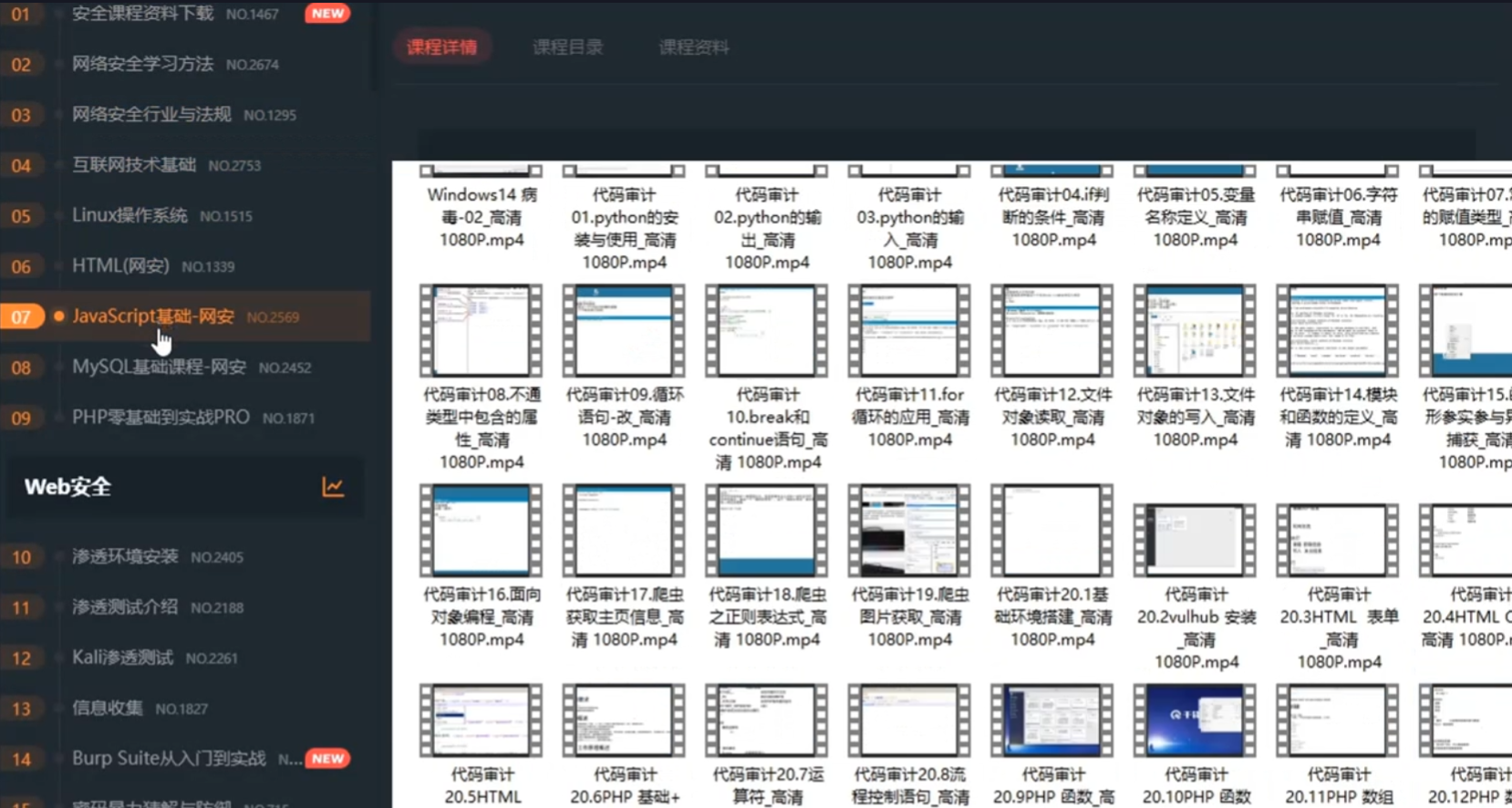
总共200多节视频,200多G的资源,不用担心学不全。(包含Shodan/FOFA/Censys搜索语法、资产发现、漏洞影响评估、C2追踪等技术点)
1、知识库价值
深度: 本知识库超越常规工具手册,深入剖析网络空间测绘的底层原理与高级搜索策略,并对业内挑战最大的C2基础设施追踪、影子资产发现等,提供了独到的技术视角和实战验证过的测绘方案。
广度: 面向企业安全建设的核心场景(攻击面管理、资产发现、威胁追踪、漏洞评估),本知识库覆盖了从域名收集、IP发现、端口扫描到服务指纹、漏洞关联的全生命周期关键节点,是网络空间测绘学习的实用指南。
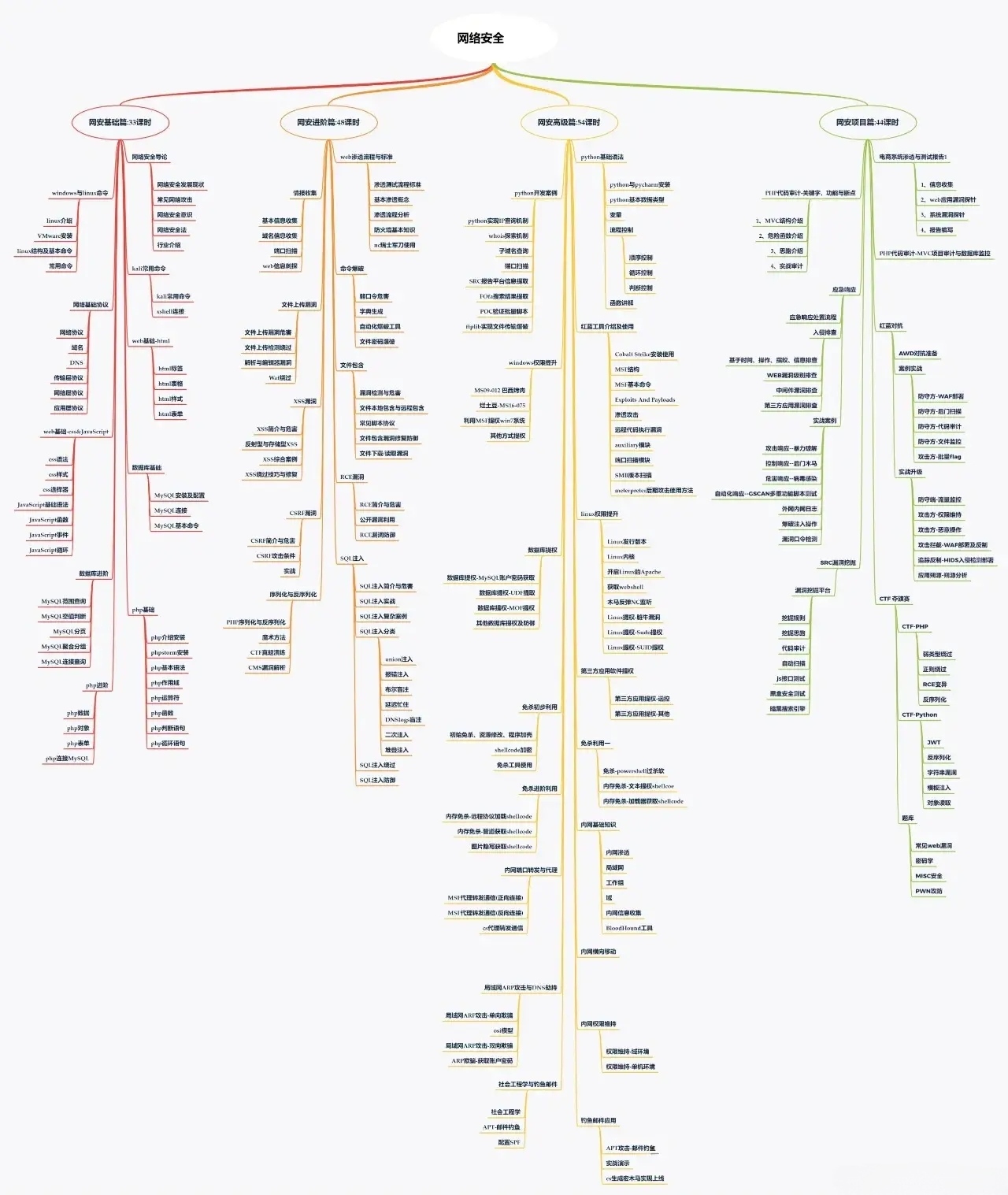
实战性: 知识库内容源于真实安全实践,通过详尽的搜索语法、自动化脚本、分析案例来传递核心思路与落地方法。
2、部分核心内容展示
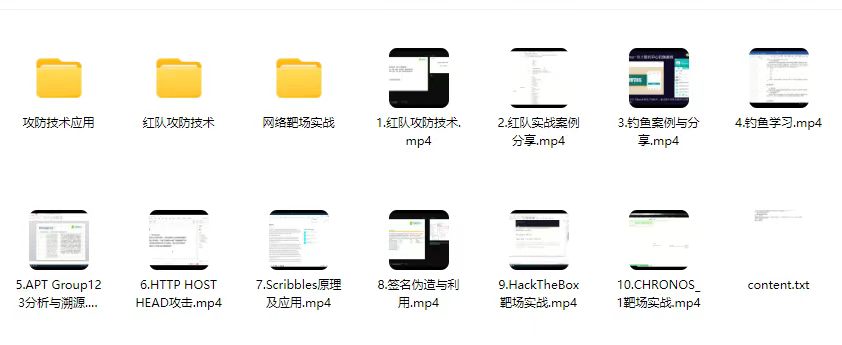
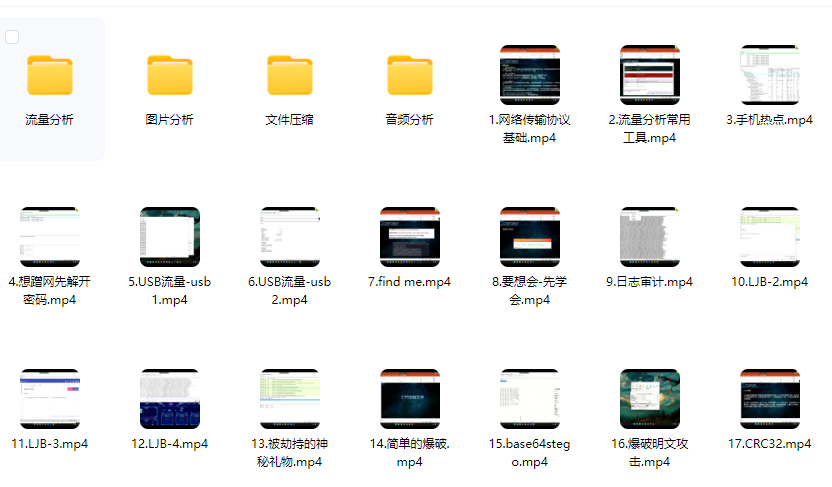
独家《网络攻防知识库》采用由浅入深、攻防结合的讲述方式,既夯实基础技能,更深入高阶对抗技术。
内容组织紧密结合攻防场景,辅以大量真实环境复现案例、自动化工具脚本及配置解析。通过策略讲解、原理剖析、实战演示相结合,是你学习过程中好帮手。
1、网络安全意识
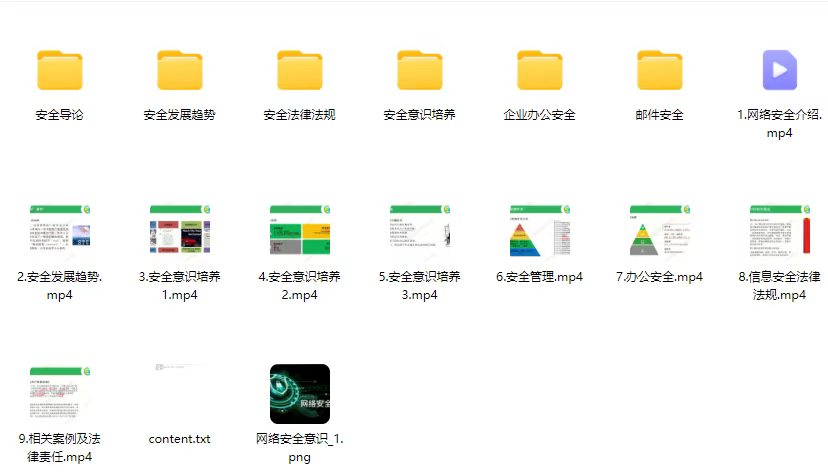
2、Linux操作系统
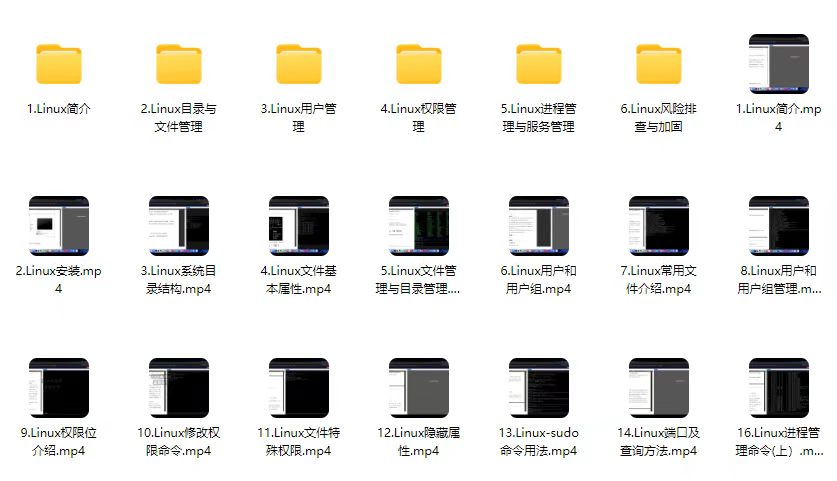
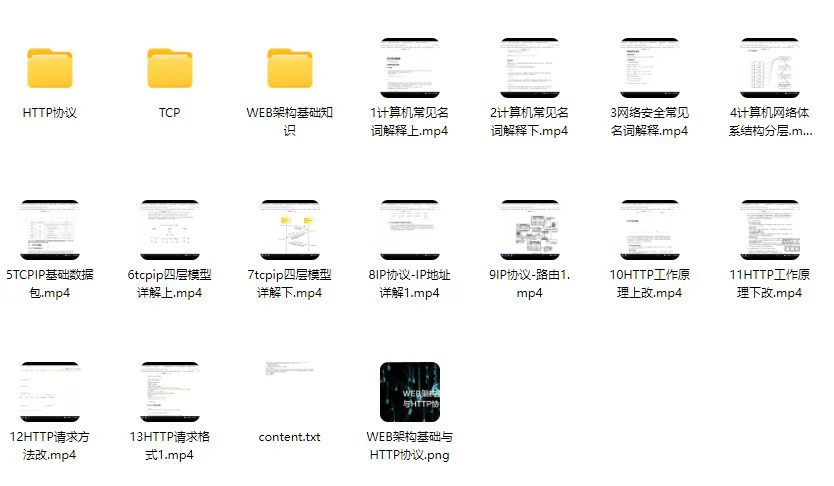
3、WEB架构基础与HTTP协议
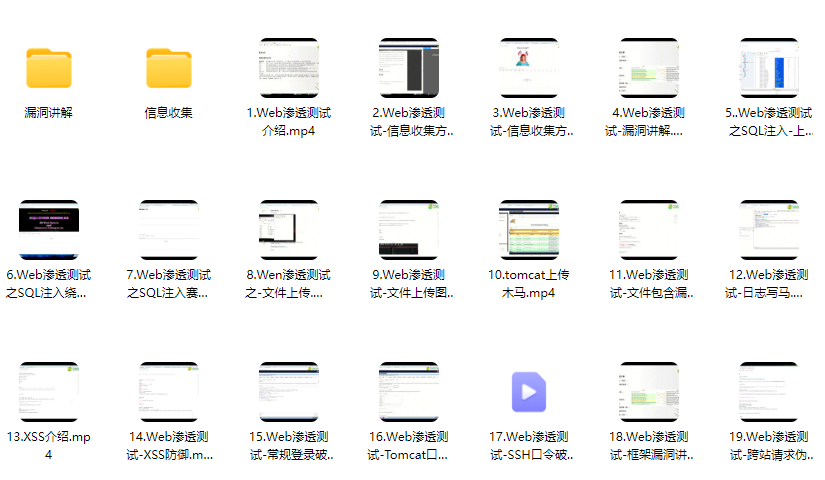
4、Web渗透测试
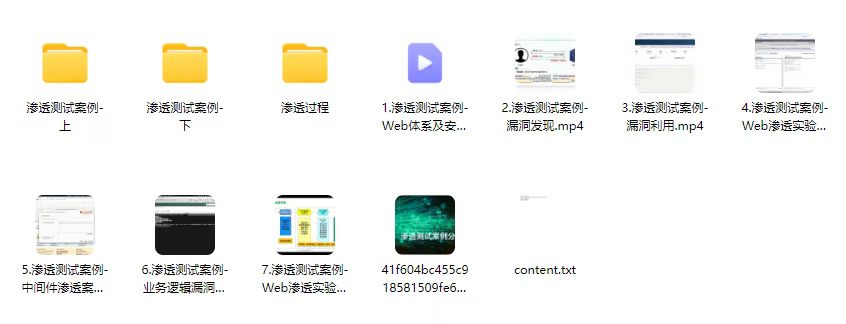
5、渗透测试案例分享
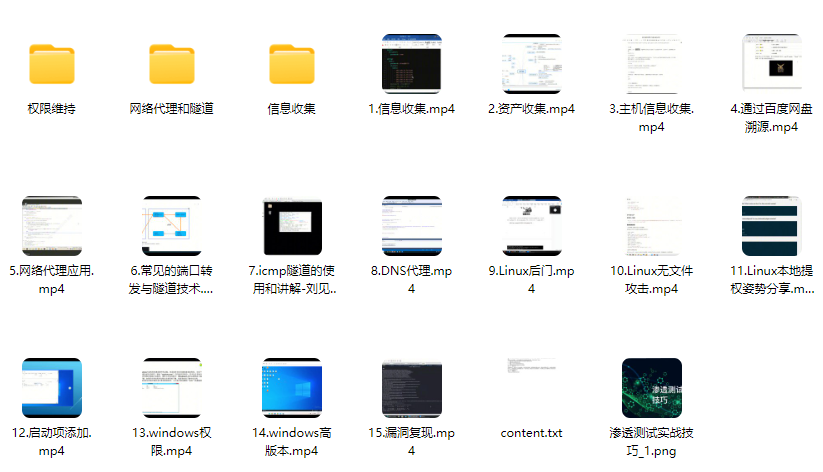
6、渗透测试实战技巧
7、攻防对战实战
8、CTF之MISC实战讲解
3、适合学习的人群
一、基础适配人群
零基础转型者:适合计算机零基础但愿意系统学习的人群,资料覆盖从网络基础、IP协议到空间测绘的完整知识链;
开发/运维人员:具备技术基础者可通过资料快速掌握资产发现与攻击面管理技能,实现职业方向拓展或者转行就业;
应届毕业生:计算机相关专业学生可通过资料构建完整的网络空间测绘知识体系,缩短企业用人适应期;
二、能力提升适配
1、技术爱好者:适合对网络空间测绘有强烈兴趣,希望掌握多平台搜索、资产发现等实战技能的学习者;
2、安全从业者:帮助安全工程师系统化提升攻击面管理、威胁情报等专项能力;
3、安全管理者:帮助管理者了解企业互联网暴露面风险,做好资产管理和攻击面收敛;
因篇幅有限,仅展示部分资料,完整版的网络安全学习资料已经上传,戳下面拿:
🐵这些东西我都可以免费分享给大家,需要的可以点这里自取👉:

————————————————