反向运动学 IK 在前端交互中的极简实现:跟随鼠标的手臂动效
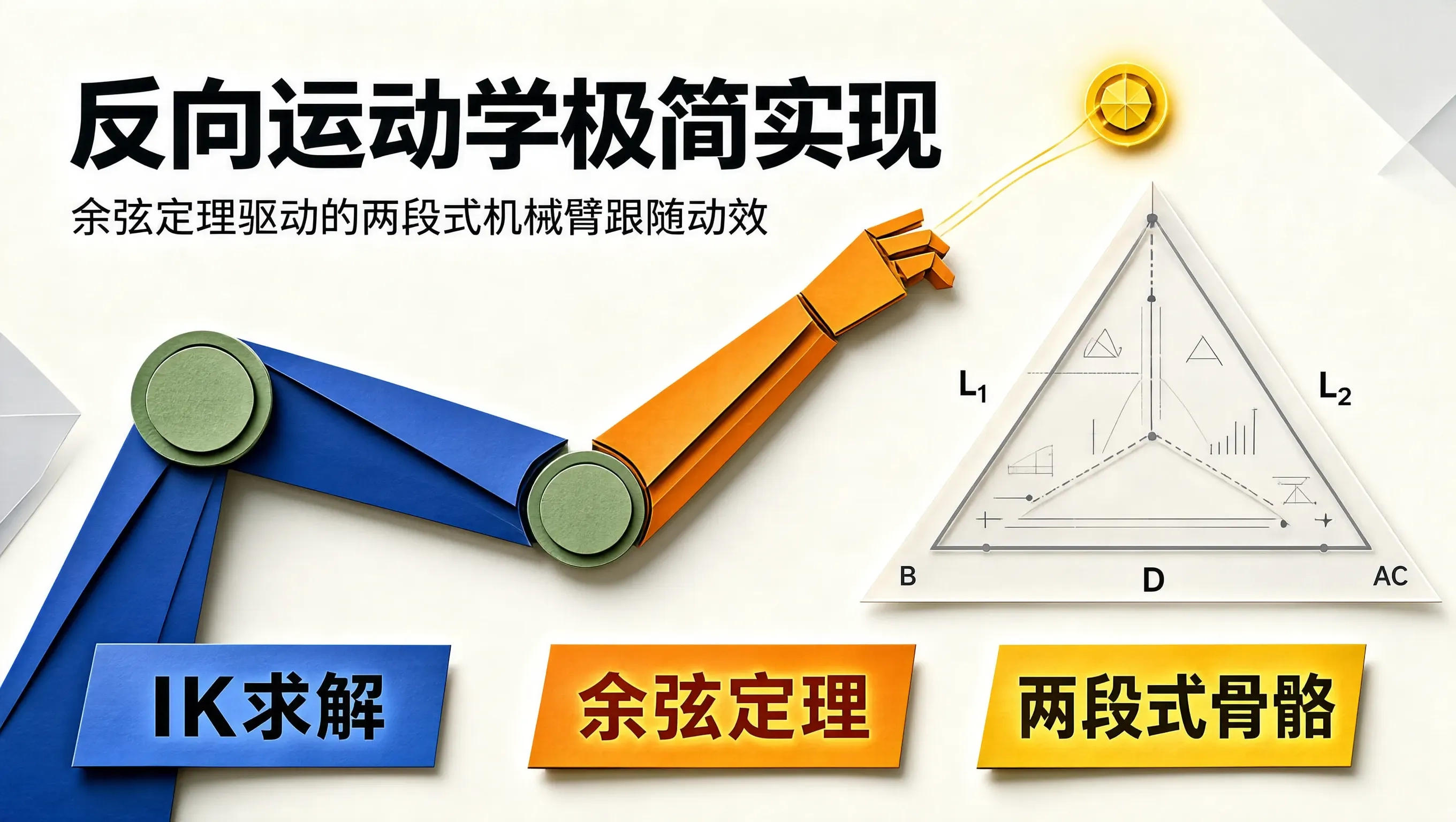
在很多顶级的创意网站和趣味交互原型中,我们经常能看到一些令人惊艳的拟物细节:一个机械手臂或者一段藤蔓,能够极其自然地随着用户的鼠标光标移动而弯曲、伸缩、抓取。无论鼠标移动到屏幕的哪个角落,手臂的各个关节都能实时自适应计算出最符合生物或机械骨骼的弯曲角度。
这种由“末端目标点(Target Position)”反推“各个关节旋转角度(Joint Angles)”的数学算法,在机器人学与游戏动画领域被称为反向运动学(Inverse Kinematics, IK)。
很多前端开发者一听到“运动学矩阵”就望而生畏。其实,对于界面开发中最常用的两段式机械臂(Two-bone IK,如大臂 + 小臂、或者大腿 + 小腿),我们完全不需要引入复杂的高等数值迭代,仅凭初中几何的余弦定理(Law of Cosines),就能用极度精简的十几行 TypeScript 代码,在前端轻松实现丝滑的跟随动效。
正向运动学 (FK) vs 反向运动学 (IK)
- 正向运动学(Forward Kinematics, FK):已知肩膀旋转了 $\\theta_1$ 度,肘关节旋转了 $\\theta_2$ 度,通过向量累加计算出手指末端的坐标 $(x, y)$。这类似于我们挥动手臂,计算简单,但无法实现“让手指精准按到某个特定按钮”。
- 反向运动学(Inverse Kinematics, IK):已知肩膀固定在 $(x_0, y_0)$,鼠标位于目标点 $(x_t, y_t)$,反求肩膀需要旋转多少度($\\theta_1$)、肘部需要弯曲多少度($\\theta_2$),才能让手掌末端恰好落在鼠标所在的位置。
两段式 IK 的余弦定理几何推导
设大臂长度为 $L_1$,小臂长度为 $L_2$,肩膀起点为 $A$,肘部关节为 $B$,鼠标目标点为 $C$:
- 超出伸展极限($D \\ge L_1 + L_2$):手臂完全笔直拉直,方向直指鼠标;
- 在可达范围内($D < L_1 + L_2$):三条边长 $L_1, L_2, D$ 构成一个三角形 $\\triangle ABC$。
- 肩关节内角 $\\alpha$:$$\\cos(\\alpha) = \\frac{L_1^2 + D^2 – L_2^2}{2 L_1 D} \\implies \\alpha = \\arccos\\left(\\frac{L_1^2 + D^2 – L_2^2}{2 L_1 D}\\right)$$
- 肘关节内角 $\\beta$:$$\\cos(\\beta) = \\frac{L_1^2 + L_2^2 – D^2}{2 L_1 L_2} \\implies \\beta = \\arccos\\left(\\frac{L_1^2 + L_2^2 – D^2}{2 L_1 L_2}\\right)$$
- 大臂的全局旋转角:$\\theta_1 = \\gamma – \\alpha$(或向下弯曲为 $\\gamma + \\alpha$);
- 小臂相对于大臂的折角:$\\theta_2 = \\pi – \\beta$。
// 两段式反向运动学 (Two-Bone IK) 极简求解器
export interface IKJointsResult {
elbow: { x: number; y: number };
hand: { x: number; y: number };
angle1: number; // 大臂旋转弧度
angle2: number; // 小臂旋转弧度
}
export function solveTwoBoneIK(
rootX: number,
rootY: number,
targetX: number,
targetY: number,
l1: number = 100, // 大臂长
l2: number = 80 // 小臂长
): IKJointsResult {
const dx = targetX – rootX;
const dy = targetY – rootY;
const dist = Math.sqrt(dx * dx + dy * dy);
const baseAngle = Math.atan2(dy, dx);
// 1. 目标超出臂展极限:完全笔直伸展
if (dist >= l1 + l2) {
const elbowX = rootX + l1 * Math.cos(baseAngle);
const elbowY = rootY + l1 * Math.sin(baseAngle);
const handX = rootX + (l1 + l2) * Math.cos(baseAngle);
const handY = rootY + (l1 + l2) * Math.sin(baseAngle);
return { elbow: { x: elbowX, y: elbowY }, hand: { x: handX, y: handY }, angle1: baseAngle, angle2: baseAngle };
}
// 2. 目标太近折叠极限
const safeDist = Math.max(Math.abs(l1 – l2) + 0.1, dist);
// 3. 余弦定理求解内角
const cosAlpha = (l1 * l1 + safeDist * safeDist – l2 * l2) / (2 * l1 * safeDist);
const alpha = Math.acos(Math.min(1, Math.max(-1, cosAlpha)));
const cosBeta = (l1 * l1 + l2 * l2 – safeDist * safeDist) / (2 * l1 * l2);
const beta = Math.acos(Math.min(1, Math.max(-1, cosBeta)));
// 大臂全局角度
const angle1 = baseAngle – alpha;
const elbowX = rootX + l1 * Math.cos(angle1);
const elbowY = rootY + l1 * Math.sin(angle1);
// 小臂全局角度
const angle2 = angle1 + Math.PI – beta;
const handX = elbowX + l2 * Math.cos(angle2);
const handY = elbowY + l2 * Math.sin(angle2);
return {
elbow: { x: elbowX, y: elbowY },
hand: { x: handX, y: handY },
angle1,
angle2,
};
}
在 Canvas / SVG 中渲染平滑跟随手臂
结合鼠标移动事件与缓动插值(Lerp),我们可以让手臂在屏幕上呈现出极佳的肉体弹性或机械阻尼:
export class IKFollowerStage {
private canvas: HTMLCanvasElement;
private ctx: CanvasRenderingContext2D;
private mouse = { x: 300, y: 200 };
private smoothTarget = { x: 300, y: 200 };
constructor(canvas: HTMLCanvasElement) {
this.canvas = canvas;
this.ctx = canvas.getContext('2d')!;
window.addEventListener('pointermove', (e) => {
const rect = this.canvas.getBoundingClientRect();
this.mouse.x = e.clientX – rect.left;
this.mouse.y = e.clientY – rect.top;
});
}
public render() {
// 鼠标目标平滑缓动 (Lerp 阻尼跟手)
this.smoothTarget.x += (this.mouse.x – this.smoothTarget.x) * 0.15;
this.smoothTarget.y += (this.mouse.y – this.smoothTarget.y) * 0.15;
const shoulder = { x: 120, y: 250 };
const ik = solveTwoBoneIK(shoulder.x, shoulder.y, this.smoothTarget.x, this.smoothTarget.y, 110, 90);
this.ctx.clearRect(0, 0, this.canvas.width, this.canvas.height);
// 绘制机械臂骨骼
this.ctx.strokeStyle = '#6366f1';
this.ctx.lineWidth = 8;
this.ctx.lineCap = 'round';
this.ctx.lineJoin = 'round';
this.ctx.beginPath();
this.ctx.moveTo(shoulder.x, shoulder.y);
this.ctx.lineTo(ik.elbow.x, ik.elbow.y);
this.ctx.lineTo(ik.hand.x, ik.hand.y);
this.ctx.stroke();
// 绘制关节圆点
this.ctx.fillStyle = '#f8fafc';
[shoulder, ik.elbow, ik.hand].forEach(pt => {
this.ctx.beginPath();
this.ctx.arc(pt.x, pt.y, 6, 0, Math.PI * 2);
this.ctx.fill();
});
}
}
总结
反向运动学(IK)是连接人类真实肢体直觉与屏幕几何坐标的神奇桥梁。通过余弦定理这一基础几何工具,我们无需依赖庞大的物理引擎,就能用纯粹的前端代码在屏幕上构建出听从指尖召唤的灵动机械手臂。