前端动画的帧率保障:requestAnimationFrame 调度与主线程阻塞的优化策略
一、动画卡顿的"帧丢失":60fps 目标下的性能挑战
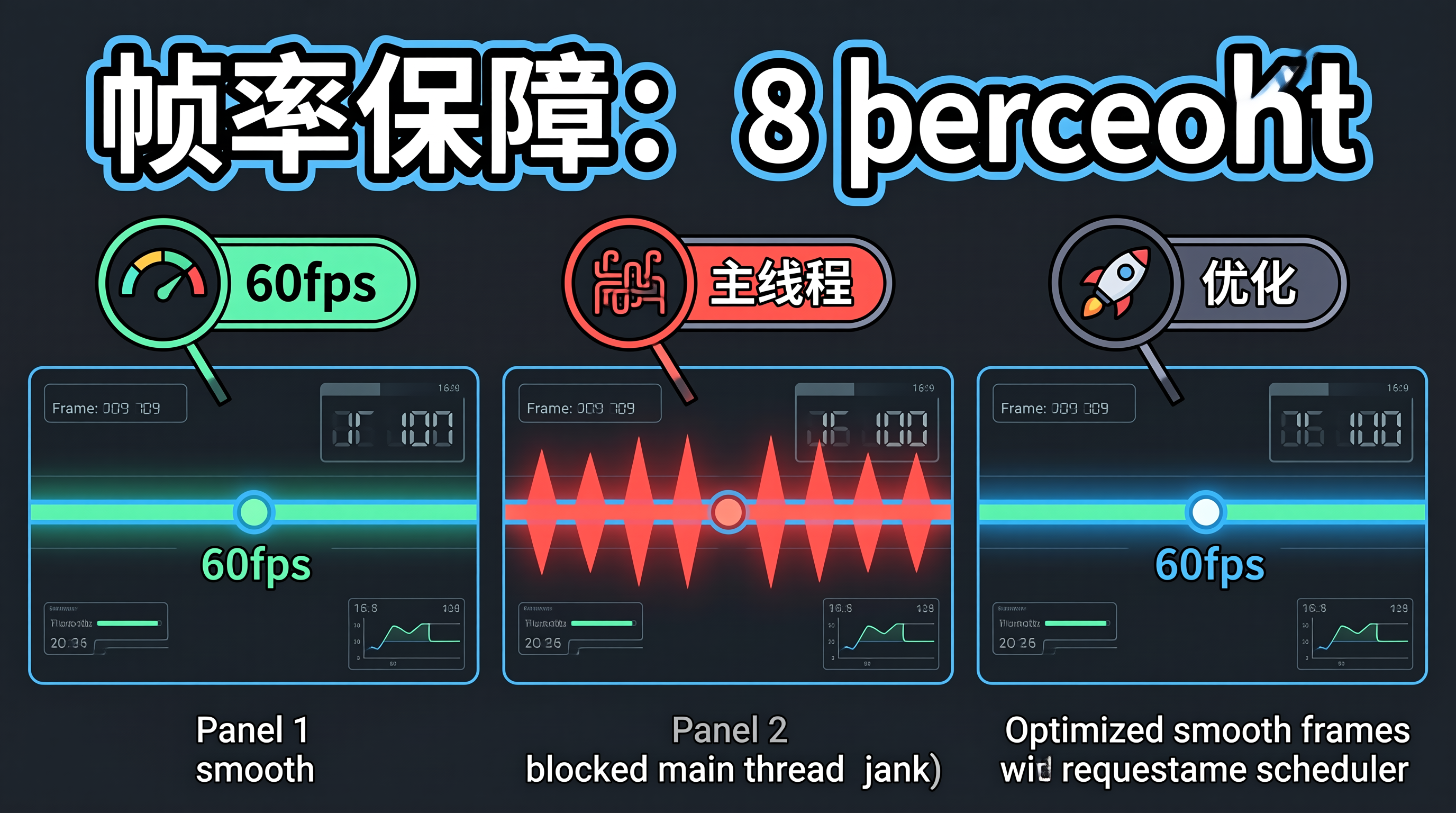
浏览器动画的流畅度以帧率(FPS)衡量,60fps 意味着每帧必须在 16.67ms 内完成。当主线程被 JavaScript 长任务阻塞时,动画帧无法按时渲染,用户感知到卡顿。常见的阻塞源包括:大数据量的 DOM 操作、同步的网络请求、复杂的计算逻辑。
requestAnimationFrame(rAF)是浏览器提供的动画调度 API,它将回调函数安排在下一帧渲染前执行,确保动画与屏幕刷新率同步。但 rAF 本身不解决主线程阻塞问题——如果回调函数执行时间超过 16.67ms,帧仍然会丢失。帧率保障的核心是:确保每帧的工作量不超过预算,将长任务拆分到多帧执行。
二、帧率保障的底层机制
flowchart TD
A[浏览器渲染循环] –> B[1. 处理输入事件]
B –> C[2. 执行 rAF 回调]
C –> D[3. 样式计算 Style]
D –> E[4. 布局 Layout]
E –> F[5. 绘制 Paint]
F –> G[6. 合成 Composite]
G –> H{16.67ms 内完成?}
H –>|是| I[提交帧: 60fps]
H –>|否| J[跳帧: FPS 下降]
J –> K[用户感知卡顿]
C –> L[rAF 回调执行时间 > 16ms?]
L –>|是| M[拆分任务到多帧]
L –>|否| N[单帧完成]
三、帧率保障的代码实现
3.1 rAF 动画循环与帧率监控
class AnimationLoop {
private frameId: number = 0;
private lastFrameTime: number = 0;
private frameCount: number = 0;
private fpsHistory: number[] = [];
/**
* 启动动画循环:使用 rAF 确保与屏幕刷新率同步
*/
start(callback: (deltaTime: number) => void) {
const loop = (timestamp: number) => {
const deltaTime = timestamp – this.lastFrameTime;
this.lastFrameTime = timestamp;
// 帧率监控:每秒统计一次
this.frameCount++;
if (deltaTime > 0) {
const fps = 1000 / deltaTime;
this.fpsHistory.push(fps);
if (this.fpsHistory.length > 60) this.fpsHistory.shift();
// 帧率低于 30fps 时发出警告
if (fps < 30) {
console.warn(`动画帧率过低: ${fps.toFixed(1)}fps`);
}
}
callback(deltaTime);
this.frameId = requestAnimationFrame(loop);
};
this.frameId = requestAnimationFrame(loop);
}
stop() {
cancelAnimationFrame(this.frameId);
}
getAverageFPS(): number {
if (this.fpsHistory.length === 0) return 60;
return this.fpsHistory.reduce((a, b) => a + b, 0) / this.fpsHistory.length;
}
}
3.2 长任务拆分:时间切片
class TaskScheduler {
private taskQueue: (() => void)[] = [];
private isRunning: boolean = false;
/**
* 将长任务拆分为小任务,每帧执行一部分
* 确保每帧的 JavaScript 执行时间不超过 8ms(留 8ms 给渲染)
*/
addTask(task: () => void) {
this.taskQueue.push(task);
if (!this.isRunning) {
this.runTasks();
}
}
private runTasks() {
this.isRunning = true;
const frameDeadline = performance.now() + 8; // 8ms 预算
while (this.taskQueue.length > 0 && performance.now() < frameDeadline) {
const task = this.taskQueue.shift();
task?.();
}
if (this.taskQueue.length > 0) {
// 还有未完成的任务:安排到下一帧继续
requestAnimationFrame(() => this.runTasks());
} else {
this.isRunning = false;
}
}
}
// 使用示例:分帧渲染大列表
function renderLargeList(container: HTMLElement, items: any[], batchSize: number = 50) {
const scheduler = new TaskScheduler();
let index = 0;
while (index < items.length) {
const batch = items.slice(index, index + batchSize);
const batchIndex = index;
scheduler.addTask(() => {
const fragment = document.createDocumentFragment();
for (const item of batch) {
const el = createItemElement(item);
fragment.appendChild(el);
}
container.appendChild(fragment);
});
index += batchSize;
}
}
3.3 合成层优化:避免布局抖动
class CompositingOptimizer {
/**
* 将动画属性限制在合成层:transform 和 opacity
* 这两个属性由 GPU 合成器处理,不触发 Layout/Paint
*/
static ANIMATABLE_PROPERTIES = new Set([
'transform', 'opacity'
]);
/**
* 检测动画是否触发布局重排
* 触发重排的属性:width, height, top, left, margin, padding
*/
static isLayoutTriggering(property: string): boolean {
const layoutProperties = new Set([
'width', 'height', 'top', 'left', 'right', 'bottom',
'margin', 'padding', 'font-size', 'line-height',
'border-width', 'display', 'position'
]);
return layoutProperties.has(property);
}
/**
* 将布局动画转换为 transform 动画
* 例如: width: 0 → 200px 转换为 scaleX(0) → scaleX(1)
*/
static convertToTransform(
property: string,
fromValue: number,
toValue: number,
element: HTMLElement
): { transform: string; origin?: string } {
if (property === 'width') {
const currentWidth = element.offsetWidth;
return {
transform: `scaleX(${fromValue / currentWidth})`,
origin: 'left center'
};
}
if (property === 'height') {
const currentHeight = element.offsetHeight;
return {
transform: `scaleY(${fromValue / currentHeight})`,
origin: 'top center'
};
}
if (property === 'top' || property === 'left') {
return { transform: `translate${property === 'left' ? 'X' : 'Y'}(${fromValue}px)` };
}
return { transform: 'none' };
}
}
// 使用示例:高性能展开/折叠动画
function animateExpand(element: HTMLElement, targetHeight: number) {
// 错误做法:直接动画 height(触发 Layout)
// element.style.transition = 'height 0.3s';
// element.style.height = targetHeight + 'px';
// 正确做法:使用 transform + overflow hidden
element.style.overflow = 'hidden';
element.style.willChange = 'transform';
const currentHeight = element.offsetHeight;
const scale = targetHeight / currentHeight;
element.animate([
{ transform: `scaleY(${currentHeight / targetHeight})`, transformOrigin: 'top' },
{ transform: 'scaleY(1)', transformOrigin: 'top' },
], {
duration: 300,
easing: 'cubic-bezier(0, 0, 0.2, 1)',
fill: 'forwards',
});
}
3.4 will-change 与 GPU 层管理
/* 仅在动画即将开始时声明 will-change */
.card {
transition: transform 0.3s var(–motion-easing-standard);
}
/* hover 时才提升为 GPU 层,避免常驻显存占用 */
.card:hover {
will-change: transform;
}
/* 动画结束后移除 will-change */
.card:not(:hover) {
will-change: auto;
}
/* 固定定位的动画元素:主动提升为 GPU 层 */
.floating-panel {
will-change: transform;
transform: translateZ(0); /* 强制创建合成层 */
}
四、帧率保障的边界分析与架构权衡
时间切片的延迟累积。将长任务拆分到多帧执行,虽然保证了帧率,但增加了总完成时间。一个 100ms 的任务拆分为 13 帧(每帧 8ms),总耗时约 216ms(13 × 16.67ms)。对于需要即时响应的场景(如搜索结果渲染),延迟可能不可接受。
will-change 的显存开销。每个 will-change: transform 的元素都会创建独立的 GPU 合成层,消耗显存。页面上同时存在 100 个合成层可能导致显存溢出,尤其在移动设备上。建议只在动画即将开始时添加 will-change,动画结束后移除。
transform 替代布局属性的视觉差异。scaleY 动画与 height 动画的视觉效果不同——scaleY 会拉伸内容,而 height 是裁剪。对于文本内容,scaleY 拉伸会导致文字变形,需要配合 overflow: hidden 和内部 scaleY(1/scale) 反向缩放。
适用边界:帧率保障策略最适合持续运行的动画(滚动、拖拽、数据可视化)。对于一次性过渡动画(页面切换、模态框弹出),即使偶尔丢帧,用户感知也不明显,无需过度优化。
五、总结
前端动画帧率保障的核心是确保每帧工作量不超过 16.67ms 预算。requestAnimationFrame 保证与屏幕刷新率同步,时间切片将长任务拆分到多帧,合成层优化避免布局重排。落地时需关注时间切片的延迟累积、will-change 的显存开销、以及 transform 替代布局属性的视觉差异。建议优先使用 transform/opacity 动画,仅在必要时使用时间切片。