前端错误监控与 SourceMap 解析:从白屏到精准定位
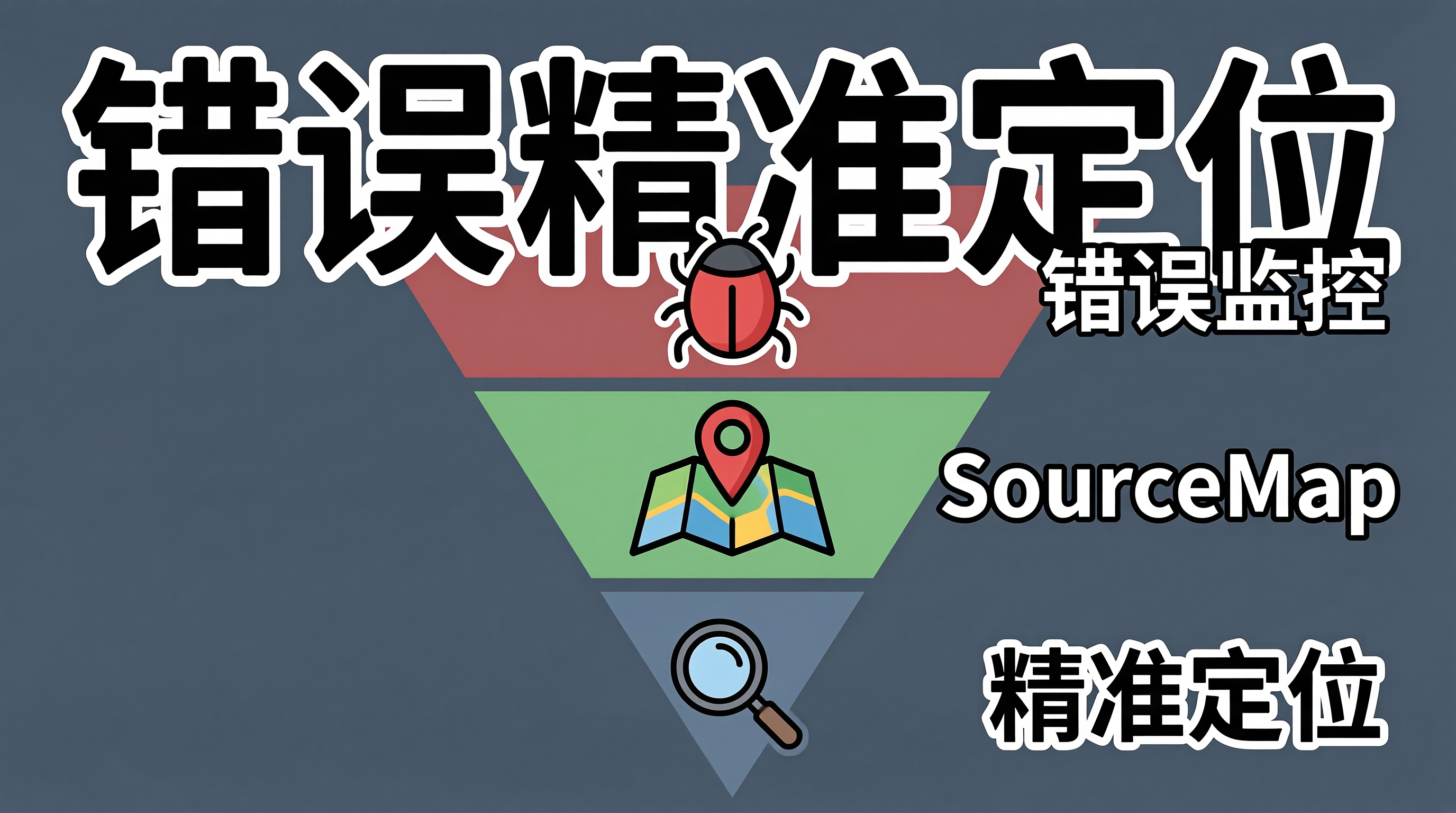
一、线上报错的"黑盒困境":看到了错误,却找不到代码
前端应用上线后,最令人焦虑的报错信息莫过于 TypeError: Cannot read properties of undefined (reading 'map'),堆栈指向 main.a1b2c3.js:1:23456。经过代码压缩和混淆后,变量名变成了单字母,行号全部折叠到第 1 行——从这种堆栈中定位问题,无异于大海捞针。
更棘手的是,用户报告的"白屏"问题往往没有任何可复现的步骤。错误监控平台显示有 50 次 Uncaught TypeError,但压缩后的堆栈信息无法定位到源码位置。SourceMap 解析是打通"线上报错→源码定位"这最后一公里的关键技术。
二、错误监控与 SourceMap 解析的完整链路
从错误发生到开发者收到可读的堆栈信息,需要经过五个环节:捕获、上报、存储、解析、告警。
flowchart TD
A[浏览器端错误发生] –> B[全局错误捕获]
B –> C[错误信息增强]
C –> D[批量上报至服务端]
D –> E[错误聚合与存储]
E –> F[SourceMap 解析]
F –> G[源码位置还原]
G –> H[错误分组与去重]
H –> I[告警通知]
subgraph SourceMap 解析流程
F –> F1[加载 .map 文件]
F1 –> F2[解析 VLQ 编码]
F2 –> F3[映射原始位置]
F3 –> F4[还原变量名]
end
SourceMap 的核心原理是:构建工具在压缩代码时生成 .map 文件,记录压缩后代码与原始代码的位置映射关系。通过解析 .map 文件中的 VLQ 编码,可以将压缩后的行列号还原为原始文件名、行号和列号。
三、工程化实现
3.1 前端错误捕获与上报
// error-monitor.ts
interface ErrorReport {
type: 'js_error' | 'promise_rejection' | 'resource_error';
message: string;
stack: string;
filename?: string;
lineno?: number;
colno?: number;
timestamp: number;
url: string;
userAgent: string;
extra?: Record<string, unknown>;
}
class ErrorMonitor {
private queue: ErrorReport[] = [];
private flushTimer: ReturnType<typeof setTimeout> | null = null;
private readonly FLUSH_INTERVAL = 5000; // 5 秒批量上报
private readonly MAX_QUEUE_SIZE = 20;
init(): void {
// 捕获同步错误
window.addEventListener('error', (event) => {
// 区分资源加载错误和 JS 错误
if (event.target instanceof HTMLElement) {
this.report({
type: 'resource_error',
message: `资源加载失败:${(event.target as HTMLElement).tagName}`,
stack: '',
filename: (event.target as HTMLImageElement).src
|| (event.target as HTMLLinkElement).href,
timestamp: Date.now(),
url: location.href,
userAgent: navigator.userAgent,
});
} else {
this.report({
type: 'js_error',
message: event.message,
stack: event.error?.stack || '',
filename: event.filename,
lineno: event.lineno,
colno: event.colno,
timestamp: Date.now(),
url: location.href,
userAgent: navigator.userAgent,
});
}
}, true);
// 捕获未处理的 Promise 拒绝
window.addEventListener('unhandledrejection', (event) => {
this.report({
type: 'promise_rejection',
message: event.reason?.message || String(event.reason),
stack: event.reason?.stack || '',
timestamp: Date.now(),
url: location.href,
userAgent: navigator.userAgent,
});
});
}
private report(error: ErrorReport): void {
this.queue.push(error);
// 队列满或定时器到期时批量上报
if (this.queue.length >= this.MAX_QUEUE_SIZE) {
this.flush();
} else if (!this.flushTimer) {
this.flushTimer = setTimeout(() => this.flush(), this.FLUSH_INTERVAL);
}
}
private async flush(): Promise<void> {
if (this.flushTimer) {
clearTimeout(this.flushTimer);
this.flushTimer = null;
}
if (this.queue.length === 0) return;
const batch = this.queue.splice(0);
try {
// 使用 sendBeacon 确保页面卸载时也能上报
const success = navigator.sendBeacon(
'/api/errors',
JSON.stringify(batch)
);
if (!success) {
// sendBeacon 失败时回退到 fetch
await fetch('/api/errors', {
method: 'POST',
body: JSON.stringify(batch),
keepalive: true,
});
}
} catch {
// 上报失败时将数据放回队列,下次重试
this.queue.unshift(…batch);
}
}
}
3.2 SourceMap 解析服务
// sourcemap-service.ts
import { SourceMapConsumer } from 'source-map';
import fs from 'fs/promises';
import path from 'path';
interface OriginalPosition {
source: string; // 原始文件名
line: number; // 原始行号
column: number; // 原始列号
name: string | null; // 原始变量名
}
class SourceMapService {
private cache = new Map<string, SourceMapConsumer>();
// 根据压缩后的文件名和位置,还原原始代码位置
async resolve(
compressedFile: string,
line: number,
column: number
): Promise<OriginalPosition> {
const consumer = await this.getConsumer(compressedFile);
const position = consumer.originalPositionFor({
line,
column,
});
if (!position.source) {
return {
source: compressedFile,
line,
column,
name: null,
};
}
return {
source: position.source,
line: position.line || 0,
column: position.column || 0,
name: position.name || null,
};
}
// 批量解析错误堆栈中的所有帧
async resolveStack(
stackFrames: Array<{ file: string; line: number; column: number }>
): Promise<OriginalPosition[]> {
return Promise.all(
stackFrames.map((frame) =>
this.resolve(frame.file, frame.line, frame.column)
)
);
}
private async getConsumer(compressedFile: string): Promise<SourceMapConsumer> {
if (this.cache.has(compressedFile)) {
return this.cache.get(compressedFile)!;
}
// 加载对应的 .map 文件
const mapPath = this.findSourceMapPath(compressedFile);
const mapContent = await fs.readFile(mapPath, 'utf-8');
const consumer = await new SourceMapConsumer(mapContent);
this.cache.set(compressedFile, consumer);
return consumer;
}
private findSourceMapPath(compressedFile: string): string {
// 从构建产物目录中查找对应的 .map 文件
const basename = path.basename(compressedFile, '.js');
const buildDir = process.env.SOURCEMAP_DIR || './dist/assets';
return path.join(buildDir, `${basename}.js.map`);
}
}
3.3 错误聚合与告警
// error-aggregator.ts
interface ErrorGroup {
fingerprint: string; // 错误指纹,用于去重
message: string;
count: number;
firstSeen: number;
lastSeen: number;
affectedUsers: Set<string>;
sampleStack: OriginalPosition[];
}
class ErrorAggregator {
private groups = new Map<string, ErrorGroup>();
// 对错误进行分组和去重
aggregate(
error: ErrorReport,
resolvedStack: OriginalPosition[]
): ErrorGroup {
// 生成错误指纹:基于错误消息和堆栈关键帧
const fingerprint = this.generateFingerprint(error, resolvedStack);
if (this.groups.has(fingerprint)) {
const group = this.groups.get(fingerprint)!;
group.count++;
group.lastSeen = error.timestamp;
return group;
}
const group: ErrorGroup = {
fingerprint,
message: error.message,
count: 1,
firstSeen: error.timestamp,
lastSeen: error.timestamp,
affectedUsers: new Set(),
sampleStack: resolvedStack,
};
this.groups.set(fingerprint, group);
return group;
}
private generateFingerprint(
error: ErrorReport,
stack: OriginalPosition[]
): string {
// 取堆栈前 3 帧的文件名和行号作为指纹
const stackPart = stack.slice(0, 3)
.map((f) => `${f.source}:${f.line}`)
.join('|');
// 去除错误消息中的动态内容(如变量名、URL)
const messagePart = error.message
.replace(/['"][^'"]*['"]/g, '""')
.replace(/\\d+/g, 'N');
return `${messagePart}|${stackPart}`;
}
// 检查是否需要触发告警
checkAlert(group: ErrorGroup): { shouldAlert: boolean; reason: string } {
// 新错误首次出现
if (group.count === 1) {
return { shouldAlert: true, reason: '新错误首次出现' };
}
// 5 分钟内错误次数超过阈值
const timeWindow = 5 * 60 * 1000;
if (group.lastSeen – group.firstSeen < timeWindow && group.count >= 50) {
return { shouldAlert: true, reason: `5 分钟内错误 ${group.count} 次` };
}
return { shouldAlert: false, reason: '' };
}
}
四、错误监控方案的 Trade-offs
SourceMap 安全性与可访问性的矛盾:SourceMap 文件包含完整的源码信息,如果暴露在公网上,等于将源码公开。生产环境通常不在 CDN 上部署 .map 文件,而是在错误监控服务端本地存储。但这也意味着 SourceMap 解析只能在服务端完成,增加了服务端的复杂度和存储成本。
错误采样的信息损失:高流量应用每秒可能产生数千条错误,全量上报会压垮监控服务。采样率 1% 意味着 99% 的错误被丢弃,低频但严重的错误可能被漏掉。建议对错误分级:首次出现的错误全量上报,已知错误采样上报,确保新错误不被遗漏。
堆栈解析的边界情况:第三方脚本(如统计 SDK、广告脚本)的错误堆栈没有对应的 SourceMap,无法解析。这类错误需要标记为"第三方错误",降低告警优先级,避免干扰核心问题的排查。
跨域脚本的错误信息截断:浏览器安全策略限制,跨域脚本的错误事件不包含详细堆栈信息,只有 Script error. 字样。解决方法是在 script 标签上添加 crossorigin="anonymous" 属性,并在 CDN 响应头中设置 Access-Control-Allow-Origin。
五、总结
前端错误监控与 SourceMap 解析是线上问题排查的基础设施。核心链路是"捕获→上报→解析→聚合→告警",每个环节都有需要权衡的设计决策。落地路线上,建议先搭建基础的错误捕获和上报能力,再接入 SourceMap 解析服务,最后实现智能聚合和告警。关键原则:SourceMap 文件绝不部署到公网,错误采样不能遗漏新错误,告警必须包含可读的源码堆栈。