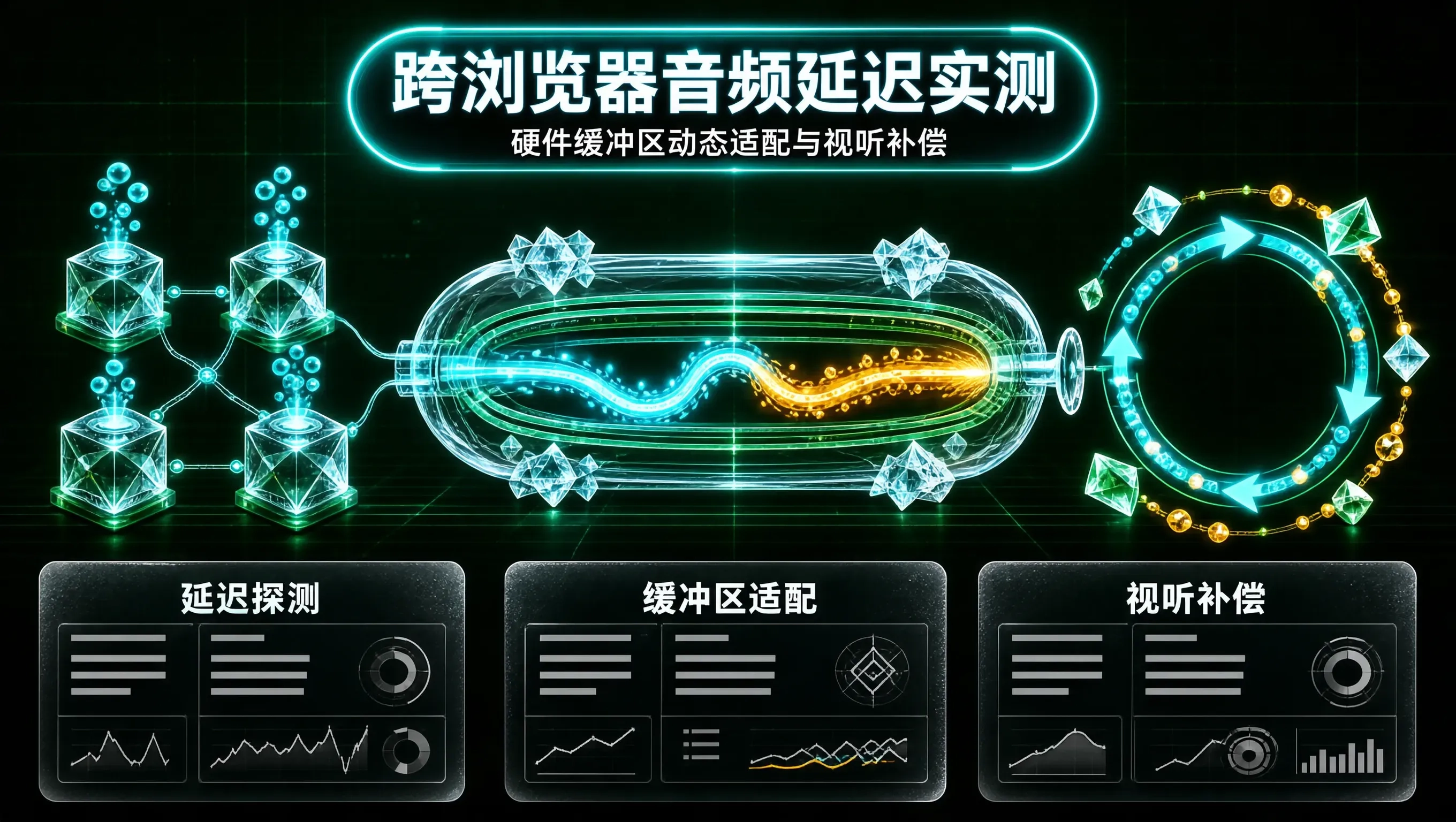
在做网页端互动乐器、打击乐小游戏或者高精度音频动效时,前端工程师最常面对的一个用户差评是:“为什么在我的电脑上按键发声非常干脆,但在某些安卓手机或者平板上,手已经抬起来了,声音才慢半拍传出来?”
在乐理和声学物理中,人耳对 15 毫秒以内的声音延迟几乎毫无感知,这被称为声学透明窗口;一旦延迟超过 30 毫秒,弹奏乐器时手指的触觉反馈与耳朵的听觉反馈就会产生严重的“解离感”;而如果延迟飙升到 80 毫秒以上,人类大脑会本能地乱拍,根本无法继续准确弹奏。
在开放多元的 Web 生态中,从 iOS Safari 到 Windows Edge,再到各种国内魔改 Android 系统,Web Audio 的端到端延迟(Round-trip Latency)呈现出极其夸张的离散分布。如果不做底层硬件缓冲区探测与自适应补偿,高精度音频互动在碎片化的移动端就会彻底沦为灾难。
浏览器音频延迟的物理层构成
一个音频信号从 JavaScript 代码调用触发,到扬声器纸盆真正发生物理振动,必须穿透以下完整的管道:
Web Audio 原生延迟度量与实测探测
现代浏览器在 AudioContext 对象上提供了两个关键的只读属性:
- audioCtx.baseLatency:表示音频处理图内部渲染量子以及系统音频流管道所产生的固有处理延迟(以秒为单位)。
- audioCtx.outputLatency:表示音频离开声卡 DSP 并真正送达扬声器硬件的附加传输时延。
我们可以手写一个自动探测器,在初始化阶段快速对设备音频底座进行能力画像:
export interface AudioLatencyProfile {
baseLatencyMs: number;
outputLatencyMs: number;
totalEstimatedLatencyMs: number;
hardwareSampleRate: number;
performanceTier: 'ultra-low' | 'standard' | 'high-latency';
}
export class AudioLatencyProfiler {
private ctx: AudioContext;
constructor() {
this.ctx = new (window.AudioContext || (window as any).webkitAudioContext)({
// 声明以最低延迟为优先目标
latencyHint: 'interactive',
});
}
/**
* 分析当前宿主环境的综合声学延迟画像
*/
public analyzeLatency(): AudioLatencyProfile {
const baseLatency = this.ctx.baseLatency || (128 / this.ctx.sampleRate);
const outputLatency = this.ctx.outputLatency || 0;
const totalSec = baseLatency + outputLatency;
const totalMs = Number((totalSec * 1000).toFixed(2));
let tier: AudioLatencyProfile['performanceTier'] = 'standard';
if (totalMs <= 20) {
tier = 'ultra-low'; // 顶级专业设备: 如 Mac + 外置声卡或最新 iPhone
} else if (totalMs > 55) {
tier = 'high-latency'; // 需介入强补偿机制的设备: 如部分 Android 低端机或蓝牙设备
}
return {
baseLatencyMs: Number((baseLatency * 1000).toFixed(2)),
outputLatencyMs: Number((outputLatency * 1000).toFixed(2)),
totalEstimatedLatencyMs: totalMs,
hardwareSampleRate: this.ctx.sampleRate,
performanceTier: tier,
};
}
public getContext(): AudioContext {
return this.ctx;
}
}
动态缓冲区调度与视听时钟补偿算法
对于需要“音画强同步”的场景(例如根据音乐下落的音符块节奏打击游戏),我们无法改变低端设备固有的高声学延迟,但我们可以利用视觉预先补偿(Visual Anticipation Offset)来逆向抹平听觉延迟。
其核心心法在于:声音由于声卡缓冲区慢了 60ms 才能发出,那么我们在视觉层面上,将音符掉落到判定线的时间点提前 60ms 触发,并在代码里为所有时间判定引入硬件偏置偏移量:
export class AudioVisualSynchronizer {
private profiler: AudioLatencyProfiler;
private currentLatencyOffsetSec: number = 0;
constructor() {
this.profiler = new AudioLatencyProfiler();
const profile = this.profiler.analyzeLatency();
this.currentLatencyOffsetSec = profile.totalEstimatedLatencyMs / 1000;
}
/**
* 获取考虑声卡延迟后的高精度发声调度时刻
* @param targetPlaybackTimeSec 目标绝对时间戳
*/
public getCompensatedScheduleTime(targetPlaybackTimeSec: number): number {
const ctx = this.profiler.getContext();
// 如果硬件延迟严重,必须提前将音频事件送入硬件排队队列
return Math.max(ctx.currentTime, targetPlaybackTimeSec);
}
/**
* 获取提供给视图渲染层(Canvas/WebGL)的倒计时位移偏差
* @param noteTimestampSec 音符本应被击中的乐谱时间
*/
public getVisualRenderProgress(currentTimeSec: number, noteTimestampSec: number, speed: number): number {
// 视觉运动需要把音频固有的延迟提前抵消
const effectiveTime = currentTimeSec + this.currentLatencyOffsetSec;
const timeRemaining = noteTimestampSec – effectiveTime;
return timeRemaining * speed;
}
}
实战避坑指南与无线蓝牙延迟陷阱
在多平台音频工程适配中,有三个极易导致整个音频系统崩溃的隐蔽陷阱:
掌握跨浏览器音频延迟的底层物理规律,用严谨的数学模型替代凭感觉的调试,你的 Web 应用才能在千万台不同型号的设备上,都奏出分毫不差的和谐节拍。